0
0 Created: Oct 1,2026 | COD: Modern Warfare 4
Modern Warfare Season 1 Release Date, Launch Schedule & Warzone Guide

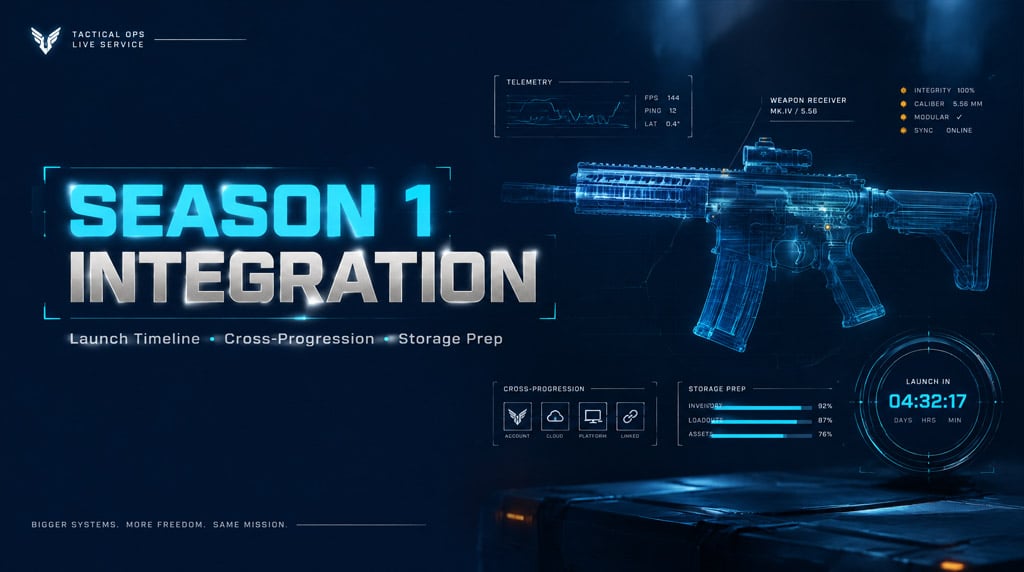
Tracking unverified leak threads wastes double weapon XP tokens and vacation days. Call of Duty seasonal integration operates on rigid infrastructure timelines, platform deployment gates, and specific progression caps that determine your day-one loadout readiness.
- Season 1 Launch Windows and Server Deployment
- Warzone Integration: Verified Systems vs. Costly Assumptions
- Weapon Leveling and The Carry-Forward Reality
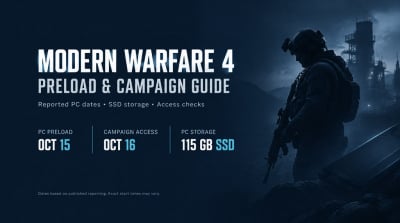
- Day-One Preparation: Pre-Load and Storage Allocation
- FAQ (Frequently Asked Questions)
- When does Season 1 officially start?
- Do weapons leveled in multiplayer carry over to Warzone immediately?
- Does the Vault Edition automatically grant the current Season 1 BlackCell?
- What causes server queue errors during Season 1 launch hours?
- How much free drive space is required for the integration patch?
Season 1 Launch Windows and Server Deployment
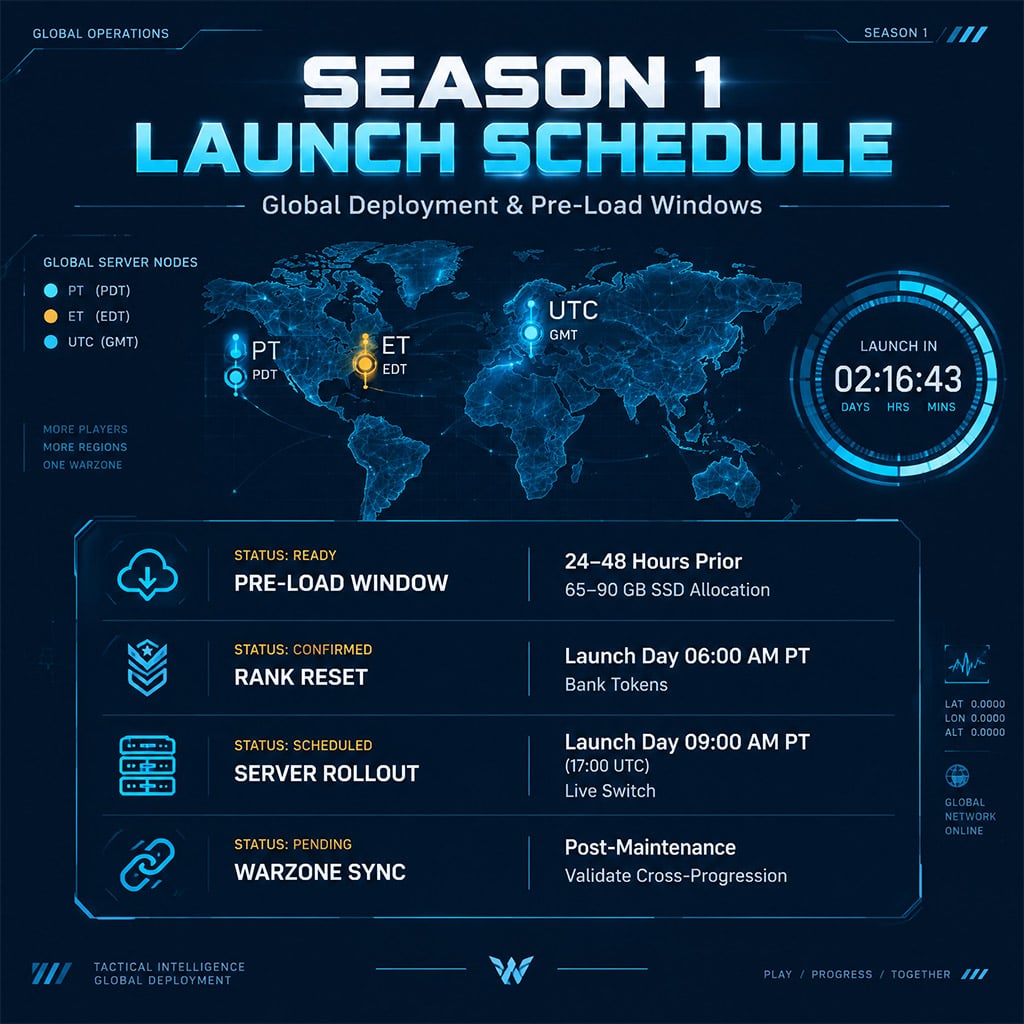
Activision releases major Call of Duty seasonal integrations on Wednesdays or Thursdays, targeting 09:00 AM PT (17:00 UTC). Rumored countdown timers inside expiring battle passes only reflect client-side refresh cycles. They do not dictate server infrastructure deployments, which depend on platform-wide client patches across Battle.net, Steam, PlayStation, and Xbox.
| Deployment Phase | Standard Target Window | Critical Player Action | Operational Bottleneck |
|---|---|---|---|
| Pre-Load Patch | 24–48 hours prior to launch | Clear 65–90 GB SSD space | PlayStation download chunking; Steam decryption lock |
| Ranked Reset & Pre-Season End | Launch Day – 06:00 AM PT | Bank unclaimed sector tokens | Unused tier skips auto-spend on lower-priority sectors |
| Global Server Launch | Launch Day – 09:00 AM PT | Boot via direct executable | Severe server queuing and initial shader compilation stutters |
| Warzone Integration Switch | Launch Day – Post-Maintenance | Verify cross-launch inventory | Weapon blueprint attachments reset to base variants |
Warzone Integration: Verified Systems vs. Costly Assumptions
Seasonal updates change weapon balance, render pipelines, and asset dependencies. Relying on unconfirmed map names or universal cosmetic transfer wastes armory unlock points.
Weapon Leveling and The Carry-Forward Reality
Multiplayer weapon levels do not translate to immediate meta dominance inside battle royale modes:
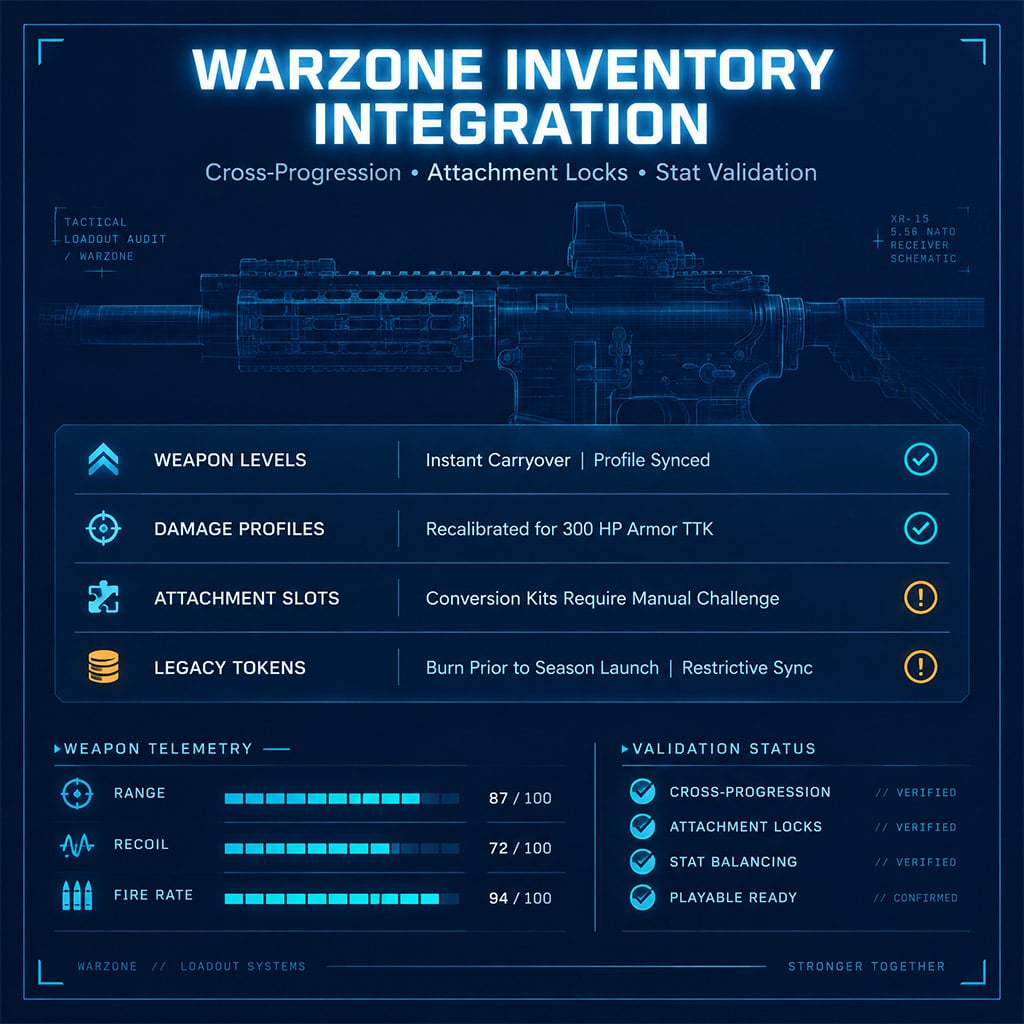
1. Damage Profiles Diverge: A gun tuned for core multiplayer (150 HP TTK) frequently launches with altered damage per bullet, recoil stabilization, and effective range drop-offs inside Warzone (300 HP plates included).
2. Attachment Compatibility Drops: Universal optics transfer reliably across shared platforms, but proprietary muzzle devices and barrel conversions frequently lock until specific Warzone seasonal challenges clear.
3. BlackCell Entitlements: The premium Battle Pass bundle applies strictly to the active integration cycle. Vault Edition unlocks activate only within the designated base game's primary release season; cross-redeeming across adjacent installations invalidates regional entitlement codes.
| Feature Category | Confirmed Mechanics | System Limitation / Failure Point | Action Required |
|---|---|---|---|
| Universal Operator Skins | Military-spec base models transfer | Reactive/crossover skins disabled in tactical playlists | Inspect skin preview tags for mode-exclusive bans |
| Armory Unlocks | Daily challenge completions sync | Conversion kits require native client access | Unlock base receiver attachments before patch day |
| Double XP Tokens | Legacy platform tokens persist in vault | Cross-title usage frequently disabled on new passes | Burn tokens for base weapon mastery prior to Season 1 |
Day-One Preparation: Pre-Load and Storage Allocation
Avoid mid-deployment download stalls by auditing your local game files before servers go live.
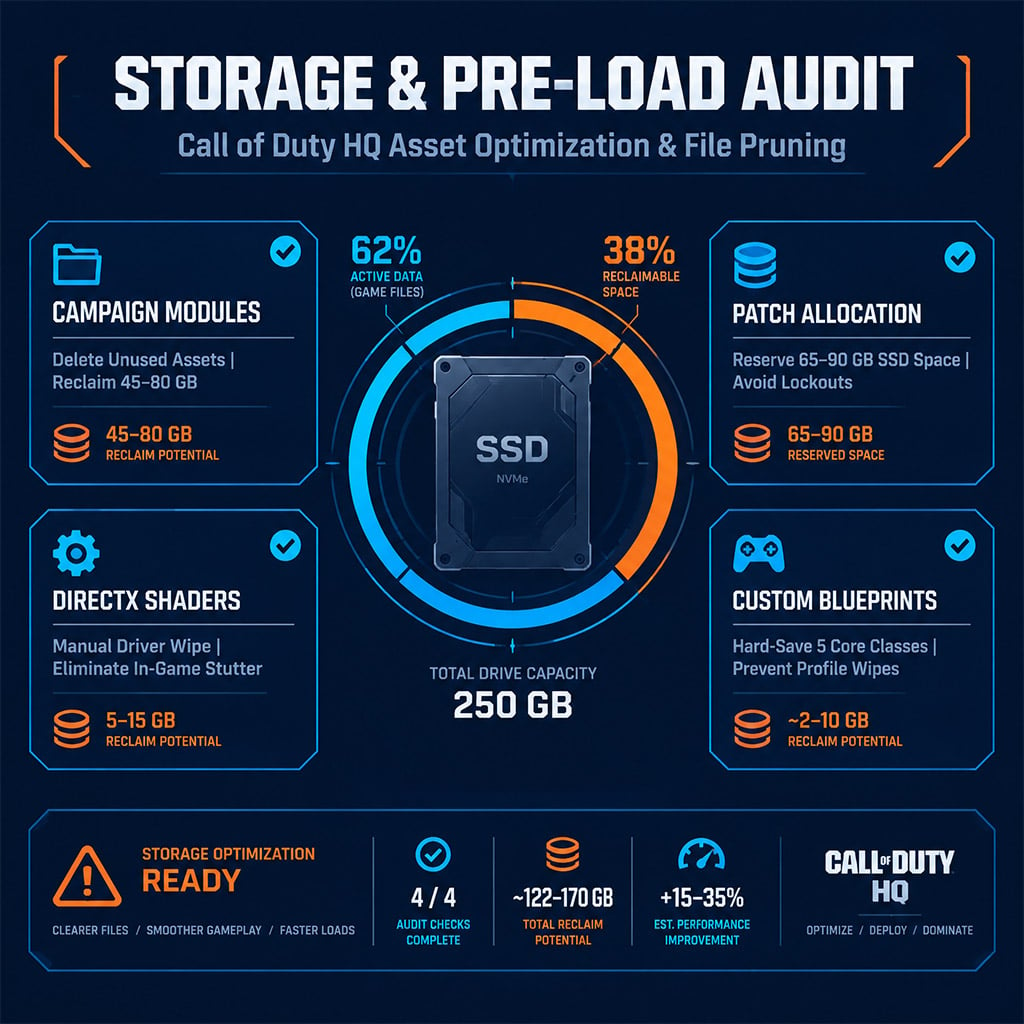
1. Prune Unused Modules: Open Call of Duty HQ, enter the modify install menu, and delete legacy single-player campaign files and co-op assets. This reclaims 45 to 80 GB of drive space across PC and console installations.
2. Rebuild Shader Cache: On PC, wipe the DirectX shader cache manually via driver software after installing the Season 1 executable. Skipping this step introduces severe micro-stuttering during long-range gunfights in Urzikstan or Resurgence drops.
3. Lock Loadout Blueprints: Save five core custom loadouts as separate blueprints. Patch deployments regularly overwrite active loadout slots back to default classes during profile migration.
FAQ (Frequently Asked Questions)
When does Season 1 officially start?
Major seasons deploy at 09:00 AM PT (17:00 UTC) on the confirmed launch Wednesday. Exact dates are established through Activision's official Call of Duty blog roadmaps rather than regional in-game timer expirations.
Do weapons leveled in multiplayer carry over to Warzone immediately?
Yes, account-linked weapon levels carry over instantly once the integration patch applies. However, mode-specific attachments and conversion kits often require dedicated in-game unlock challenges before equipping inside Warzone custom loadouts.
Does the Vault Edition automatically grant the current Season 1 BlackCell?
Vault Edition BlackCell redemptions apply exclusively to the specific game's active operational season specified at purchase. If you redeem outside the designated operating calendar, the system defaults to the standard battle pass without bonus tier skips.
What causes server queue errors during Season 1 launch hours?
Mass concurrent logins saturate authentication servers within the first 90 minutes of rollout. Bypassing launcher queues by restarting your client drops your position in line; keep the application running to maintain your spot.
How much free drive space is required for the integration patch?
The core patch requires 60 to 90 GB of free SSD space depending on your platform. Consoles require additional temporary storage allocation equal to the full size of the existing install during the file copying process.

I’m Sofia Bergström, a Swedish Managing Editor covering FPS, competitive shooters, and extraction shooters for GGWTB. My guides focus on loadout trade-offs, positioning, and when to commit—or cut your losses. A weapon’s stats tell only part of the story; I focus on how it fits your role and the fight ahead.
Most Popular Posts
- MW4 Apex Attachments: The Complete Weapon-Breaking Guide (Every Kit Ranked)
- MW4 Beta Meta Weapons Class Setups: Attachments, Perks, and Tuning included
- Cod MW4 Warzone New Maps - Zodiac Resurgence Map & Hajan BR
- Modern Warfare 4 Beta: Full Breakdown of Entrench, Maps, Zodiac Resurgence
- Modern Warfare 4 Carry Forward: XP Tokens, COD Points, Camos, Monster Energy
- MW4 Beta Early Access Guide: Weapon Levels, Operators, Modes, Rewards
Popular Category Lists
- ARC Raiders / (354)
- Grow a Garden / (294)
- CoD: Black Ops 7 / (167)
- Star Citizen / (163)
- MLB 26 / (159)
- Monopoly Go / (153)
- ARK Survival Ascended / (128)
- Steal a Brainrot / (99)
- Blox Fruits / (74)
- Adopt Me / (74)
- Forza Horizon 6 / (72)
- Sailor Piece / (68)
- Grow a Garden 2 / (68)
- Diablo IV / (62)
- CoD: BLACK OPS 6 / (55)
- Aion 2 / (52)
- Path of Exile 2 / (48)
- Monster Hunter Wilds / (46)
- Windrose / (44)
- Maplestory Classic / (42)