0
0 Created: Oct 21,2026 | COD: Modern Warfare 4
Modern Warfare 4 DMZ Guide: Early Access, Settings, Loot & Safe Extraction

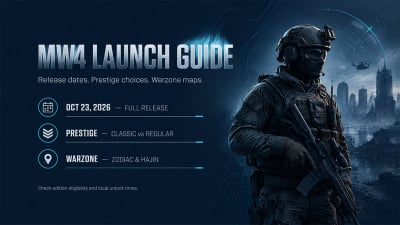
MW4 DMZ early access requires an eligible digital pre-order or pre-purchase; it began October 20, ahead of the October 23 launch. For your first extraction, we recommend replaceable gear, one objective, and a return route marked before you start shooting.
- Get Access and Choose a Low-Risk First Run
- Confirm Your Edition and Platform
- Pick the Deployment That Solves Your Problem
- Fix Settings Through Repeatable Checks
- Measure Dead Zones Before Sensitivity
- Correct the ADS Multiplier Mistake
- Test Interaction and Graphics Under Pressure
- Protect Useful Loot and Leave Before the Run Escalates
- Plan the Return Route Before Contact
- Spend Inventory Space on the Return Journey
- Read the Correct Timer and Defend the Pickup
- FAQ (Frequently Asked Questions)
- Do you need a digital pre-order for MW4 DMZ early access?
- Can you play MW4 DMZ solo?
- What controller settings should you change first?
- How do you get more Gunsmith weapon options?
- Is the DMZ radiation timer always 30 minutes?
Get Access and Choose a Low-Risk First Run
If DMZ is unavailable, check your purchasing account and edition entitlement first. Changing loadouts or reinstalling unrelated content will not fix an ineligible purchase.
Confirm Your Edition and Platform
We checked Activision's official FOB guide: Standard Digital Edition and Vault Edition pre-orders qualify. Listed platforms include PS5, Xbox Series X|S, Xbox on PC, Battle.net, Steam, and Nintendo Switch 2.
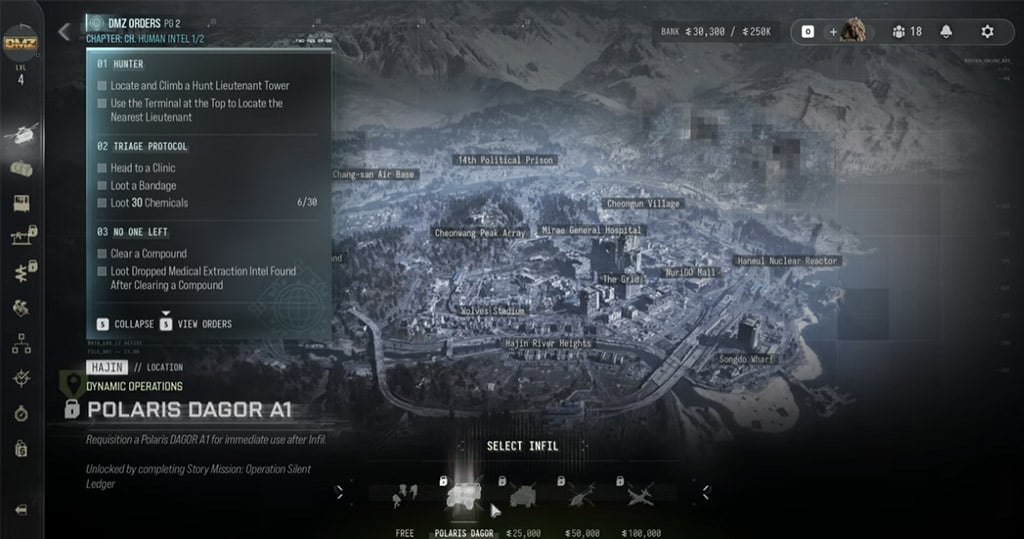
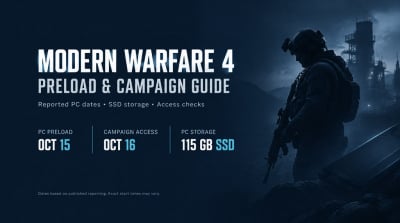
Check the required DMZ installation files next. For exact local availability, use your platform's current release information; the official announcement allows for time-zone differences and outages.
Date differences alone do not prove a staggered regional rollout.
Pick the Deployment That Solves Your Problem
We choose deployment by learning goal, not by assuming an optional objective means an empty map.
| Deployment | Use It For | Our First-Run Rule |
|---|---|---|
| Story Missions / DMZ Orders | Directed onboarding | Complete one mission, then reassess supplies |
| Dynamic Operations | Adapting to an assigned objective | Read the task before committing to its route |
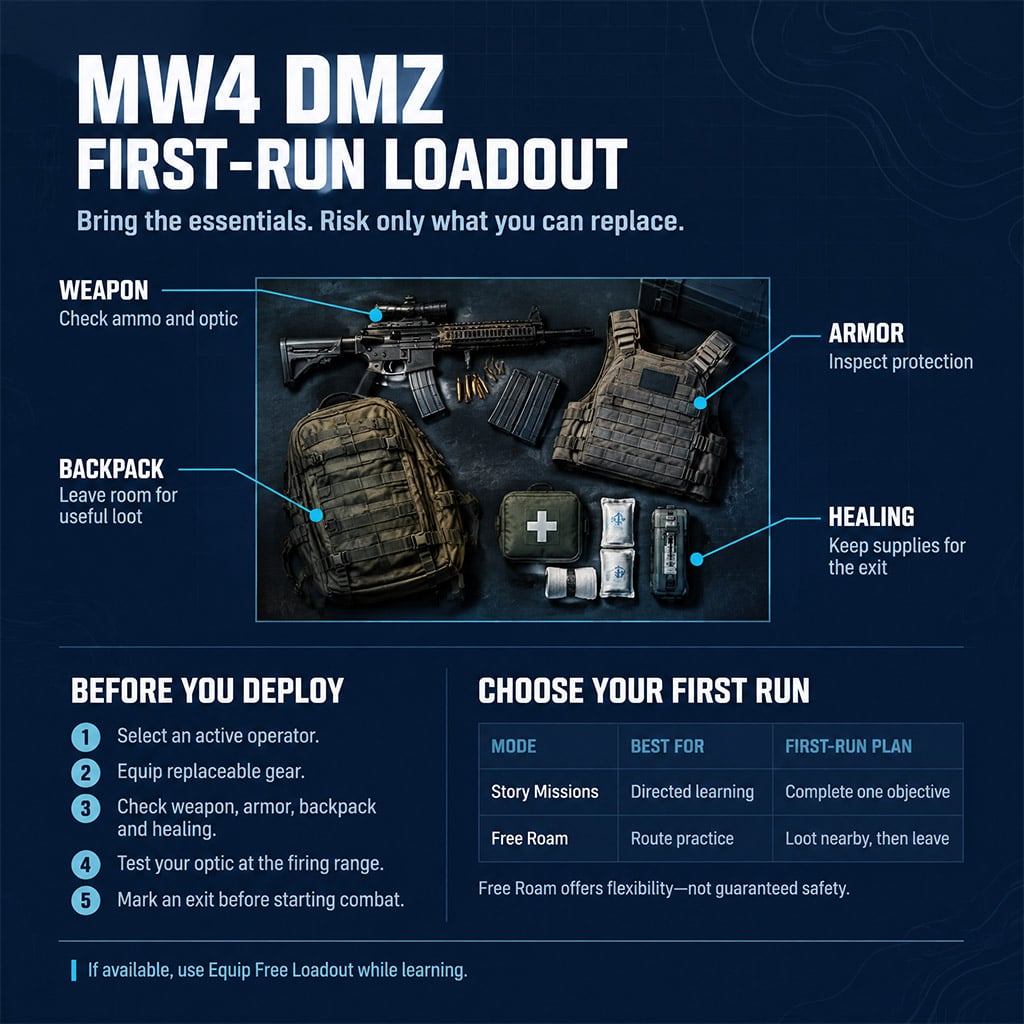
| Free Roam | Practicing travel and looting | Visit one nearby location and identify an exit |
Choose Story Missions for direction; choose Free Roam for flexibility, not guaranteed safety.
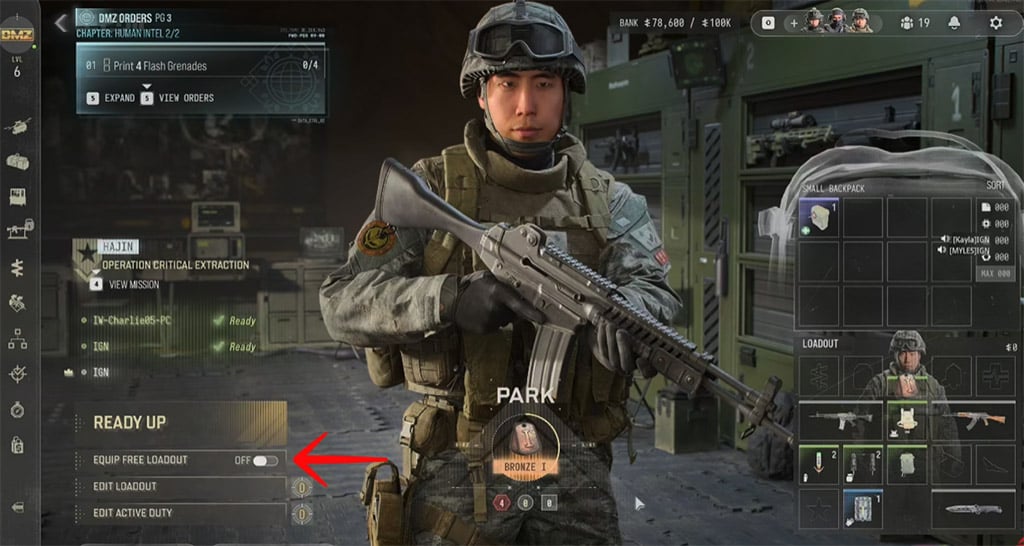
Recruit an operator and inspect weapon, armor, backpack, ammunition, and healing supplies. If Equip Free Loadout appears in your menu, use it while learning rather than risking gear you cannot replace.
The overlooked cost is not just the lost weapon: a bad deployment also consumes supplies and preparation time.
Fix Settings Through Repeatable Checks
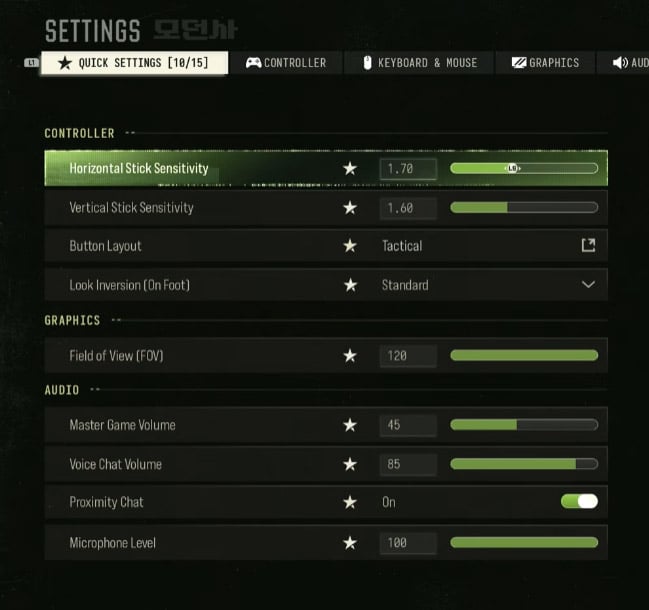
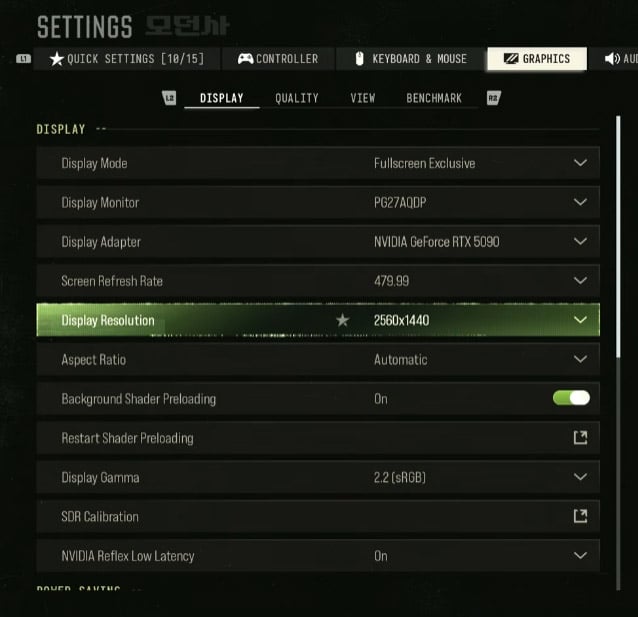
If your crosshair drifts or you overshoot targets, change one input variable at a time. Copying a complete creator preset prevents us from identifying which adjustment solves the problem.
Measure Dead Zones Before Sensitivity
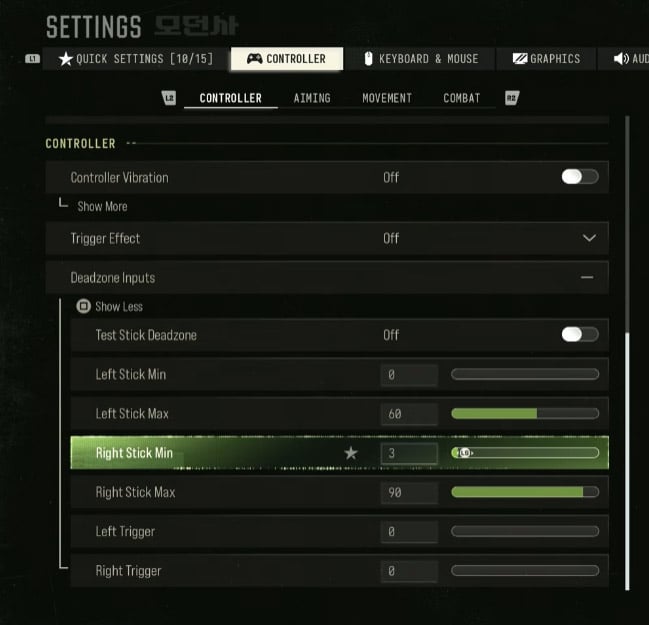
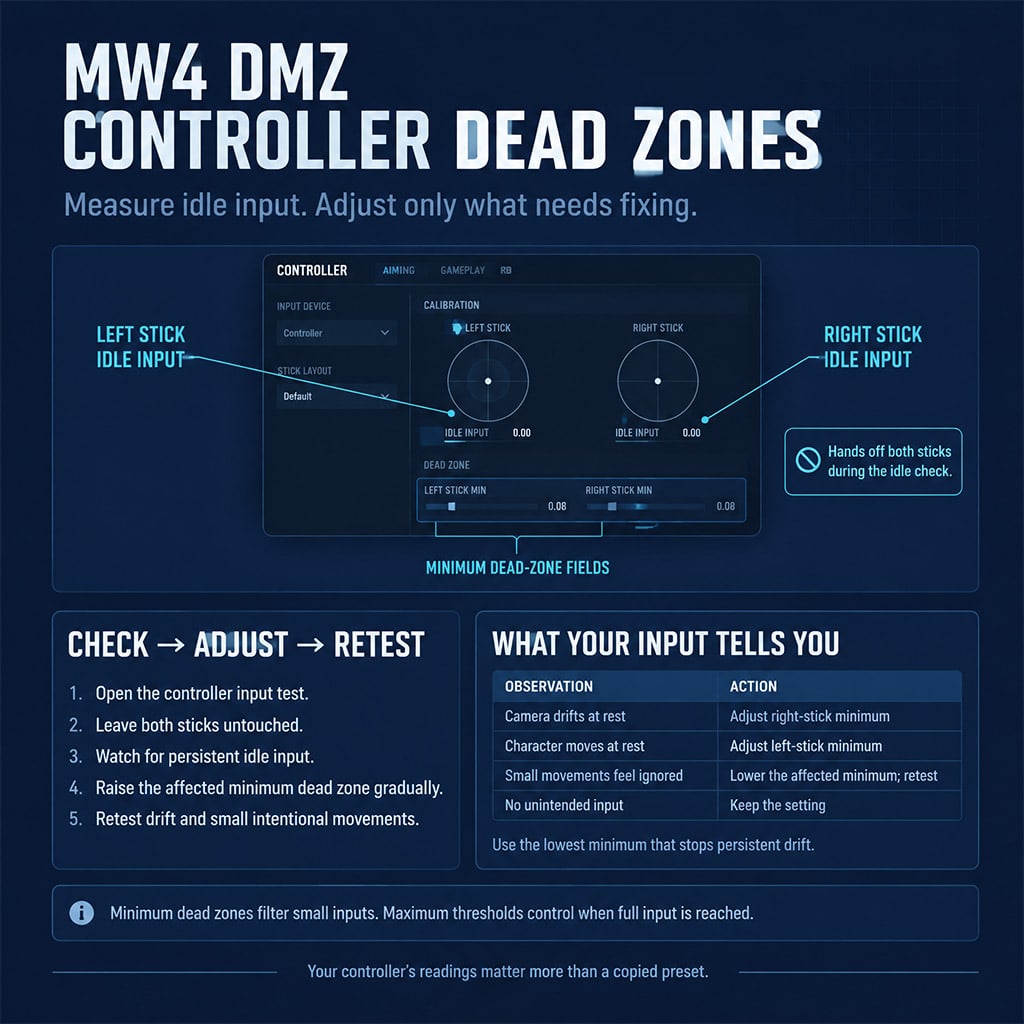
We checked the supplied controller notes: idle readings were approximately 3% left and 2% right. Those are one controller's readings, not recommended minimums for every device.
Use the smallest dead zone that removes persistent unintended input.
| Setting | Starting Approach | Pass Condition |
|---|---|---|
| Minimum stick dead zones | Just above persistent idle input | No movement or camera drift with untouched sticks |
| Horizontal / vertical sensitivity | Supplied creator used roughly 1.6 / 1.45–1.5 | Comfortable turning and tracking on the same menu scale |
| Low-zoom ADS | Try the supplied 0.80 value | Track without repeated overshooting |
| High-zoom ADS | Test separately; creator approached 1.0 | Make controlled corrections on distant targets |
| Prioritize Interact | Enable if available | Loot and reload reliably beside a container |
| Motion blur / depth of field / film grain | Off, where available | Moving targets remain readable |
| Frame generation | Begin with it off | Compare responsiveness before accepting higher displayed FPS |
| Upscaling | Quality mode, if supported | Preserve target detail while improving frame consistency |
Keep a change only when it fixes a repeatable problem; a copied number is not evidence of improvement.
Correct the ADS Multiplier Mistake
We checked the draft's ADS explanation: moving from 0.80 to 1.0 increases the multiplier, all else equal. It does not inherently slow high-zoom aiming.
Test the same target with each optic. If you overshoot, lower that optic's multiplier; if you cannot keep pace with lateral movement, raise it slightly.
Do not rebuild your entire sensitivity setup for one troublesome scope.
Test Interaction and Graphics Under Pressure
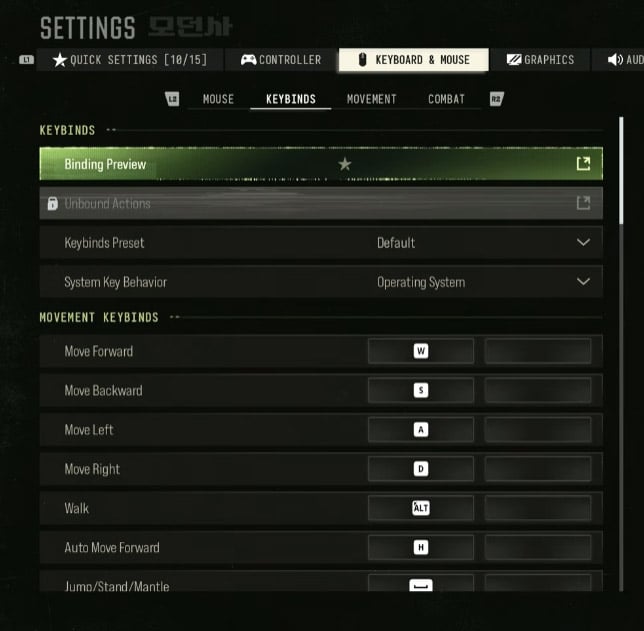
Stand beside a container and test both looting and reloading. If Prioritize Interact opens the container when you need ammunition, learn the alternate reload input before deploying.
For graphics, compare the same route with the same camera movement. The supplied creator used an RTX 5090, Ryzen 9950X3D, and 64 GB RAM, so their visual settings are not a mid-range benchmark.
Why does this matter? A higher FPS counter is a poor trade if target clarity or input response gets worse.
Protect Useful Loot and Leave Before the Run Escalates
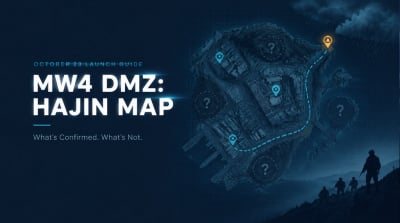
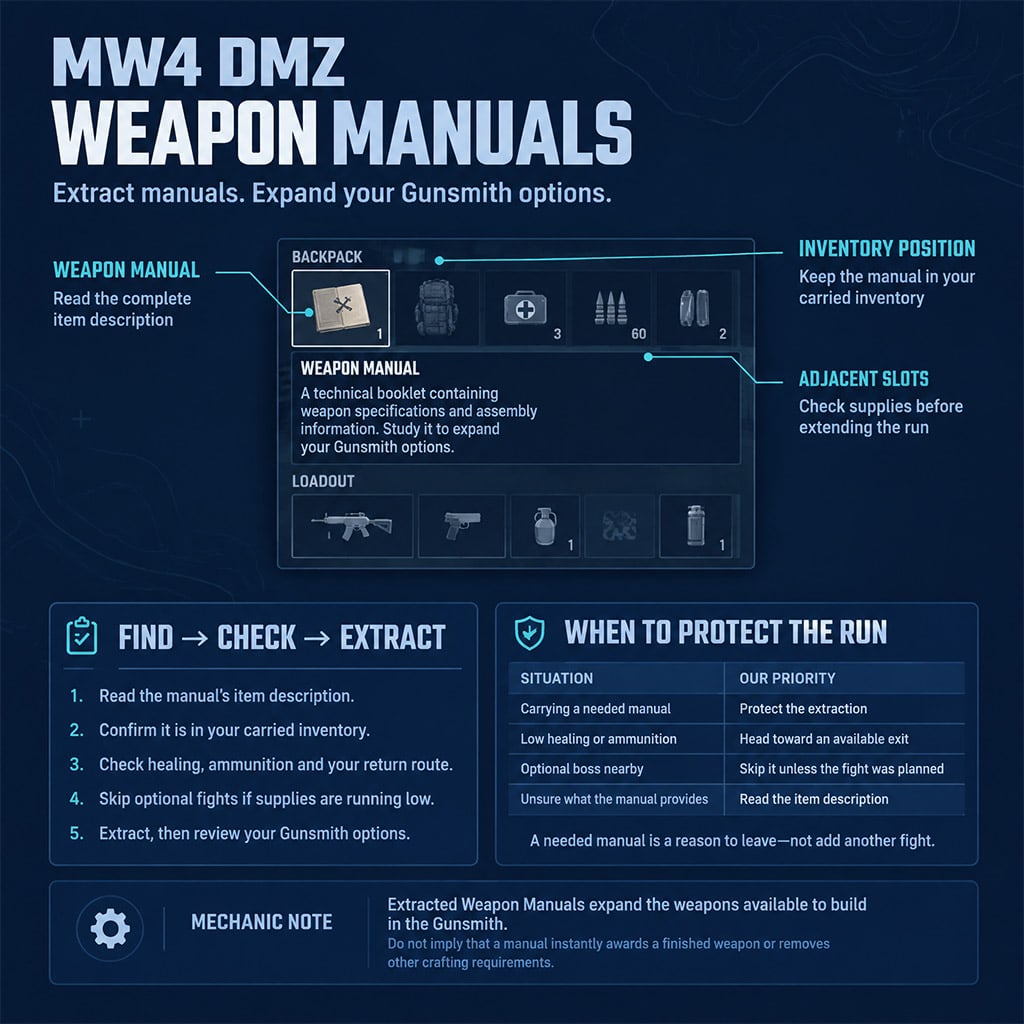
If you finish your objective or collect a needed Weapon Manual, switch priorities: protect the extraction instead of adding optional fights. Activision's Hajin guide confirms that extracted manuals expand Gunsmith weapon-building options.
Plan the Return Route Before Contact
We checked two supplied gameplay accounts: a ghillie-equipped player was detected at close range, and a reactor countdown fell from approximately 6:00 to 3:40. Neither observation proves universal stealth rules or a six-minute match duration.
Our route discipline is straightforward:
1. Mark the objective and a possible exit.
2. Identify cover along the return path.
3. Avoid enemies that do not block progress.
4. Reposition after detection instead of fighting indefinitely from the same spot.
5. Leave once the planned task is complete.
A quiet approach stops being useful when we clear every patrol to preserve it.
Spend Inventory Space on the Return Journey
The supplied notes distinguish temporary yellow recovery from bandages and permanent restoration from medkits. Without verified healing amounts or durations, we would not rank them by exact efficiency.
Inspect replacement weapons before trusting them. The notes flag a red damage indicator, with possible magazine or optic problems; check the weapon's actual condition rather than assuming an AI drop is an upgrade.
Confirm parachute availability before committing to a tower jump.
Read the Correct Timer and Defend the Pickup
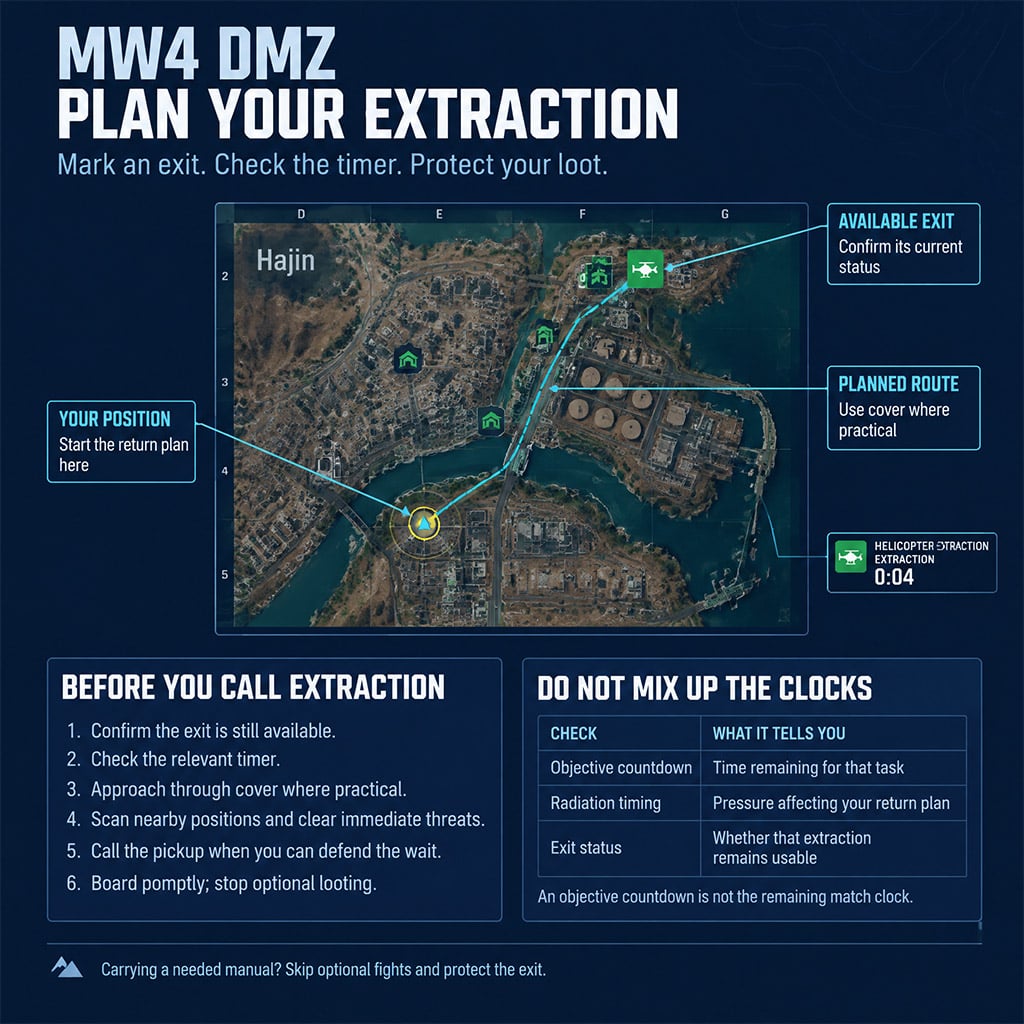
Separate objective countdowns, radiation timing, and exit availability. If an objective timer is short, do not treat it as the remaining match clock—or assume another timer grants extra time for that objective.
At extraction, approach through cover, scan nearby positions, and clear immediate threats before calling the pickup. Do not chase distant enemies while carrying valuable loot.
For progression, we prioritize the bottleneck shown in your current menu. Official documentation confirms the 3D Printer at DMZ level 2, the Vendor at level 5, and the Boss Board after your second DMZ Order; unconfirmed bank prices should not dictate your first purchase.
FAQ (Frequently Asked Questions)
Do you need a digital pre-order for MW4 DMZ early access?
Yes, an eligible Standard Digital Edition or Vault Edition pre-order or pre-purchase is required. We verified the October 20 early-access date in Activision's announcement; full launch is October 23.
Can you play MW4 DMZ solo?
Yes, Activision confirms solo deployment. We have not verified solo-only matchmaking, so prepare for encounters where you are outnumbered.
What controller settings should you change first?
Start with minimum stick dead zones, then interaction behavior, then ADS sensitivity. We test each separately so an improvement can be traced to the setting that caused it.
How do you get more Gunsmith weapon options?
Extract Weapon Manuals to expand the weapons you can build in the Gunsmith. We recommend protecting a needed manual rather than risking it on an optional encounter.
Is the DMZ radiation timer always 30 minutes?
A universal 30-minute radiation timer is not established by the verified material. We check the current HUD and distinguish radiation timing from objective countdowns before planning extraction.

I’m Sofia Bergström, a Swedish Managing Editor covering FPS, competitive shooters, and extraction shooters for GGWTB. My guides focus on loadout trade-offs, positioning, and when to commit—or cut your losses. A weapon’s stats tell only part of the story; I focus on how it fits your role and the fight ahead.
Most Popular Posts
- MW4 Apex Attachments: The Complete Weapon-Breaking Guide (Every Kit Ranked)
- MW4 Beta Meta Weapons Class Setups: Attachments, Perks, and Tuning included
- Cod MW4 Warzone New Maps - Zodiac Resurgence Map & Hajan BR
- Modern Warfare 4 Beta: Full Breakdown of Entrench, Maps, Zodiac Resurgence
- Modern Warfare 4 Carry Forward: XP Tokens, COD Points, Camos, Monster Energy
- MW4 Beta Early Access Guide: Weapon Levels, Operators, Modes, Rewards
Popular Category Lists
- ARC Raiders / (354)
- Grow a Garden / (294)
- CoD: Black Ops 7 / (167)
- Star Citizen / (163)
- MLB 26 / (159)
- Monopoly Go / (153)
- ARK Survival Ascended / (128)
- Steal a Brainrot / (99)
- Blox Fruits / (74)
- Adopt Me / (74)
- Forza Horizon 6 / (72)
- Sailor Piece / (68)
- Grow a Garden 2 / (68)
- Diablo IV / (62)
- CoD: BLACK OPS 6 / (55)
- Aion 2 / (52)
- Path of Exile 2 / (48)
- Monster Hunter Wilds / (46)
- Windrose / (44)
- Maplestory Classic / (42)