0
0 Created: Apr 19,2026 | CoD: Black Ops 7
Black Ops 7 Best Controller Settings: Improve Aim, Accuracy, and Aim Assist on PS5, Xbox, and PC

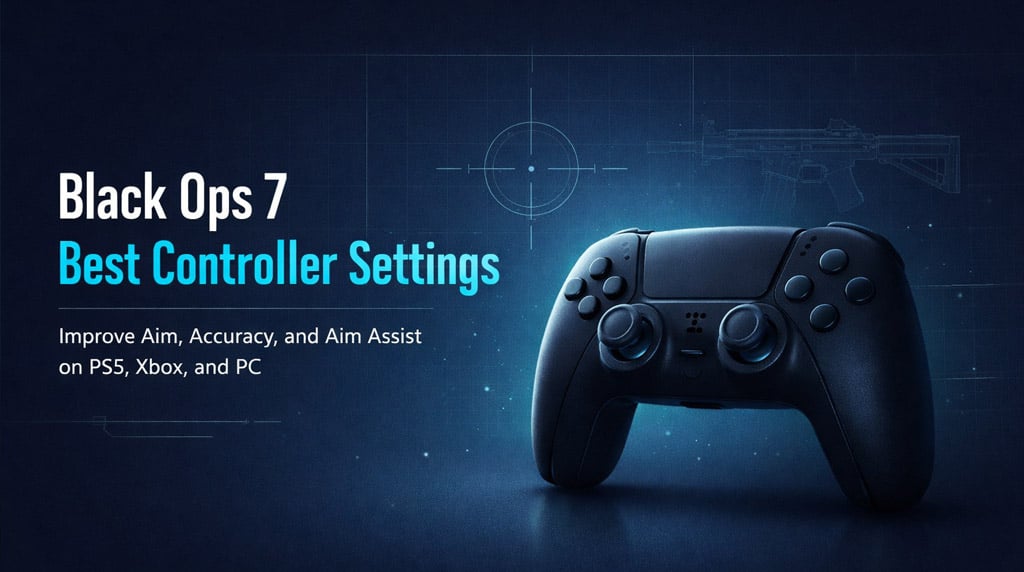
If your aim in Black Ops 7 feels inconsistent, the fix usually isn't one secret setting. In my experience, better accuracy comes from a few things working together: a controllable sensitivity, low-latency controller settings, and better habits like centering before every fight. That's what this guide focuses on—simple settings that make sense in real matches, not just in the firing range.
- Best BO7 Controller Settings
- Dead Zones and Trigger Settings
- Why These Settings Work
- The Most Important Aim Tip: Centering
- Controller Upgrades That Actually Help
- Best Settings by Player Type
- FAQ
- What is the best sensitivity in Black Ops 7?
- Does Dynamic 1.0 increase aim assist?
- Is 0.65 ADS too slow?
- What helps aim more: paddles or a thumbstick extender?
- What should I fix first if my BO7 aim feels bad?
- Final Takeaway
Best BO7 Controller Settings
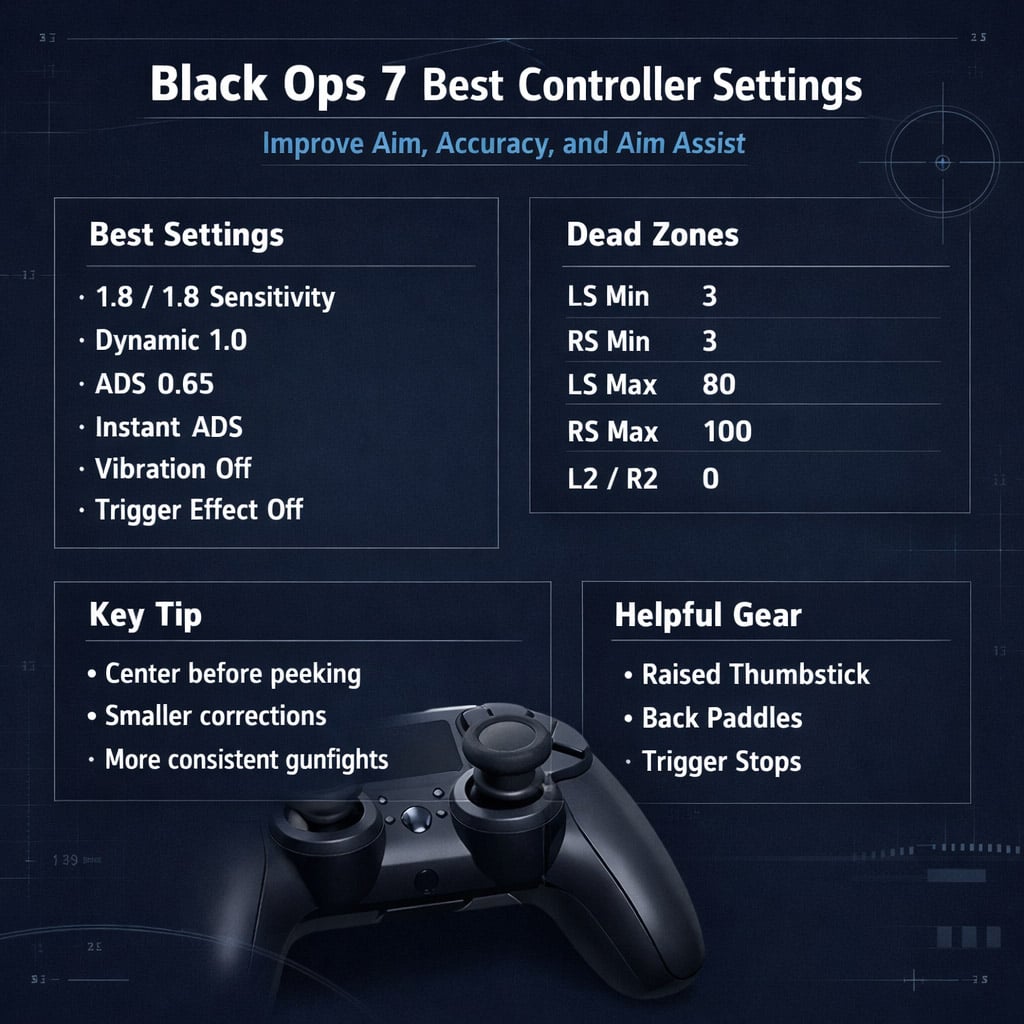
These are the controller settings I'd recommend as a strong starting point for most players. They're especially useful if you want your aim to feel tighter without making your sensitivity too slow.
| Setting | Recommended Value | Why it helps |
|---|---|---|
| Horizontal Sensitivity | 1.8 | Balanced speed and control |
| Vertical Sensitivity | 1.8 | Keeps aim adjustments consistent |
| Aim Response Curve | Dynamic 1.0 | Smoother micro-adjustments for controller players |
| ADS Sensitivity Multiplier | 0.65 | Helps reduce over-aiming |
| ADS Transition Timing | Instant | ADS sensitivity kicks in immediately |
| Controller Vibration | Off | Removes unnecessary distraction |
| Trigger Effect | Off | Keeps triggers light and responsive |
| Crosshair Dot / Lines | On | Helps with centering and pre-aim |
This setup won't be perfect for everyone, but it's a very solid baseline. If you tend to drag your aim past targets, the 0.65 ADS multiplier is one of the best changes you can make.
Dead Zones and Trigger Settings
This is where a lot of players accidentally make their aim feel delayed or inconsistent.
| Dead Zone Setting | Recommended Value | Purpose |
|---|---|---|
| Left Stick Min | 3 | Faster movement response |
| Right Stick Min | 3 | Better micro-aim responsiveness |
| Left Stick Max | 80 | Hits full movement speed sooner |
| Right Stick Max | 100 | Keeps full aim range |
| L2 / R2 Dead Zones | 0 | Minimizes input delay |
A quick note from experience: low dead zones are great until stick drift shows up. If your aim starts moving on its own, raise the value slightly. There's no point forcing ultra-low dead zones if your controller can't handle them cleanly.
Why These Settings Work
The biggest mistake I see is players chasing stronger aim assist when what they really need is less input waste.
Here's what these settings do in practice:
- 1.8 / 1.8 sensitivity gives enough speed to react without becoming slippery
- Dynamic 1.0 makes small stick movements feel smoother
- 0.65 ADS multiplier helps you stay on target once aim assist kicks in
- Instant ADS transition makes aiming feel more predictable
- Low dead zones reduce the delay in small corrections
This doesn't magically turn anyone into a beam overnight. What it does is remove friction from your inputs, which makes good aim easier to repeat.
The Most Important Aim Tip: Centering
If there's one habit that improves aim faster than changing settings, it's centering.
Centering means keeping your crosshair or center dot where an enemy is most likely to appear before you ADS. If you already expect someone around a doorway or head glitch, your reticle should be there first.
That matters because:
- you need smaller corrections
- your first shot lands faster
- aim assist feels more consistent
- gunfights stop feeling rushed
A lot of players think top-tier aim is all reaction speed. Usually, it's better preparation.
Controller Upgrades That Actually Help
Not every accessory is worth buying, but a few do make a real difference.
| Upgrade | Value | Why it helps |
|---|---|---|
| Raised right thumbstick | High | Better fine aim control |
| Back paddles | High | Jump or slide without leaving the aim stick |
| Trigger stops | Medium | Faster trigger input |
| Grip aid | Medium | Helps during long sessions |
If I had to prioritize one for pure aiming, I'd put a raised right thumbstick near the top. Paddles are excellent too, especially if you want to move aggressively without losing camera control.
Best Settings by Player Type
Not every player should copy the exact same numbers. Here's a simpler way to choose.
| Player Type | Sensitivity | ADS Multiplier |
|---|---|---|
| Beginner | 1.4–1.8 | 0.65–0.70 |
| Balanced player | 1.8–2.2 | 0.70–0.75 |
| Aggressive SMG player | 2.0–2.6 | 0.75–0.85 |
| AR-focused player | 1.6–2.0 | 0.65–0.75 |
If you're missing because your aim feels too loose, go lower on ADS first before raising your overall sensitivity.
FAQ
What is the best sensitivity in Black Ops 7?
A good starting point is 1.8 horizontal and 1.8 vertical. It's fast enough for most fights while still feeling controlled.
Does Dynamic 1.0 increase aim assist?
Not directly, but it often makes aim assist feel better because your micro-adjustments are smoother and easier to control.
Is 0.65 ADS too slow?
For some players, yes at first. But if you over-aim or pull off target too often, it can help a lot. If it feels too heavy, try 0.70 or 0.75.
What helps aim more: paddles or a thumbstick extender?
For raw aiming, I'd usually say thumbstick extender. For movement and keeping your thumb on the stick, paddles are huge.
What should I fix first if my BO7 aim feels bad?
Start here:
1. Lower unnecessary dead zones
2. Set a stable sensitivity
3. Try Dynamic 1.0
4. Lower ADS multiplier if you over-aim
5. Practice centering every match
Final Takeaway
The best Black Ops 7 controller settings are the ones that make your aim repeatable under pressure. For most players, that means a balanced sensitivity, Dynamic 1.0, a lower ADS multiplier, low dead zones, and a layout that keeps your right thumb on the stick as much as possible.
The bigger difference, though, comes from how we play. If you center well, pre-aim smartly, and stop overcorrecting, your accuracy improves much faster than it does from copying random settings alone.


The GGWTB Editorial Team features 10 full-time gaming editors and 23 specialist contributors, delivering hands-on tested walkthroughs, easter egg breakdowns, and game updates.
ELSA — who spearheads our in-depth COD: BLACK OPS 7, ARC Raiders guides, and patch notes—every guide is rigorously verified on live servers for accuracy.
Most Popular Posts
- Black Ops 7 Endgame Exotic Affinity Weapons Guide: Best Bonuses, Full Weapon List, and Farming Tips
- Black Ops 7 Season 1 Endgame Boss Fast Passing Guide: Colossus of Avalon & Toxic Tyrant Z‑Rex
- CoD BO7 Bot Lobbies Guide: Everything You Need To Know
- Black Ops 7 Endgame Skill Track Guides: Tactician + Bulldozer + Berserker
- Black Ops 7 Endgame Reloaded: Nightmare Boss, Exotic Upgrades, Best Skills & Fastest Progression
- Black Ops 7 Fast Weapon & Operator Leveling Max Mode-by-Mode Strategies
Popular Category Lists
- ARC Raiders / (351)
- Grow a Garden / (294)
- CoD: Black Ops 7 / (167)
- Star Citizen / (162)
- MLB 26 / (159)
- Monopoly Go / (152)
- ARK Survival Ascended / (128)
- Steal a Brainrot / (99)
- Blox Fruits / (74)
- Adopt Me / (74)
- Forza Horizon 6 / (72)
- Sailor Piece / (68)
- Grow a Garden 2 / (68)
- Diablo IV / (62)
- CoD: BLACK OPS 6 / (55)
- Aion 2 / (50)
- Path of Exile 2 / (48)
- Monster Hunter Wilds / (46)
- Windrose / (44)
- Donut SMP / (41)