Monster Hunter Wilds Save Data

»
Can't Trade
[PC] MH Wilds Max Items Bundles

[PC] MH Wilds Max Items Bundles

Access the complete save data package for Monster Hunter Wilds with all features fully unlocked!

How to trade WH Wilds Items?

To trade items or transfer save data in Monster Hunter Wilds, follow these steps carefully:

  1. Provide Your Game Account Details: Username and Password
  2. Log In to Your Game
  3. Replace Local Save Data
  4. Verify the Changes

Overview: https://tinyurl.com/mupnmmva

Notice: Your current progress will be saved!

Ratings and Reviews

Average user rating
4.8 / 5
4.8 out of 5 (from 496 Customers ratings)

Rating breakdown

5 ★
Votes(437) / 88.1%
4 ★
Votes(37) / 7.5%
3 ★
Votes(12) / 2.4%
2 ★
Votes(9) / 1.8%
1 ★
Votes(1) / 0.2%
See All Reviews +
20Jun
WALTERS
3 / 5

Seems legit; slow delivery made me doubt

19Jun
CASTRO
5 / 5
✅ Trusted Seller❤️ Friendly Service

Fast handoff, listing accurate.

18Jun
VANESSA
5 / 5
⚡ Fast Delivery✅ Trusted Seller💰 Best Price

Instant delivery. Save Data arrived exactly as ordered.

15Jun
WARD
5 / 5
⚡ Fast Delivery❤️ Friendly Service

Quick Save Data service, amazing!

14Jun
NITA
5 / 5
⚡ Fast Delivery🛡️ Safe Transaction❤️ Friendly Service

Instant delivery, top notch.

Monster Hunter Wilds Save Data Overview

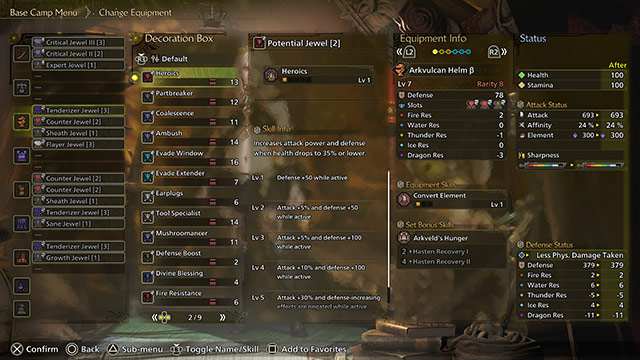
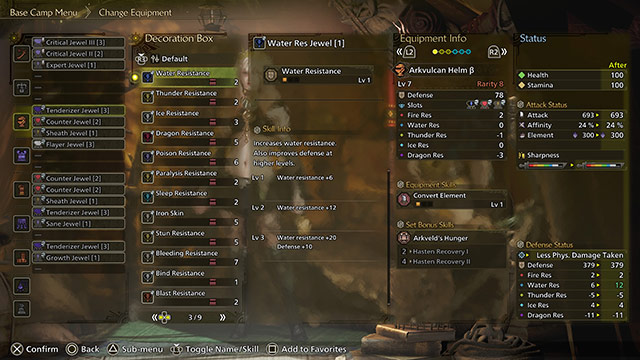
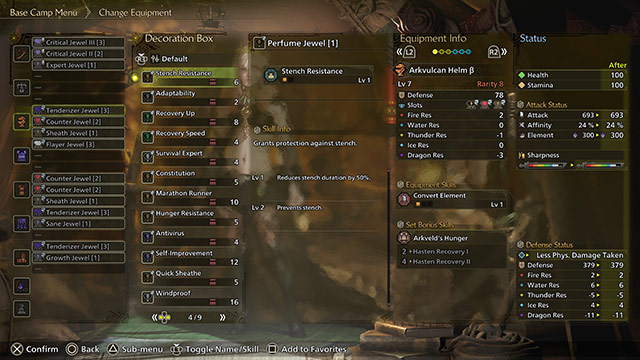
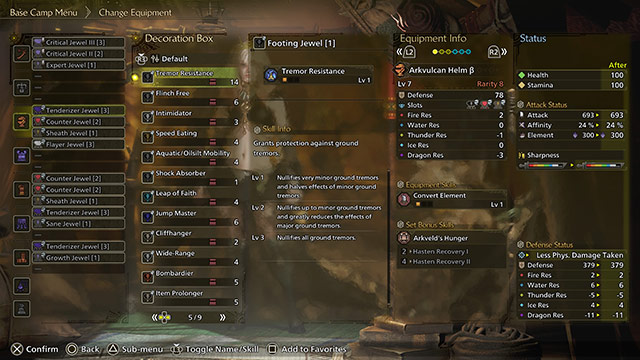
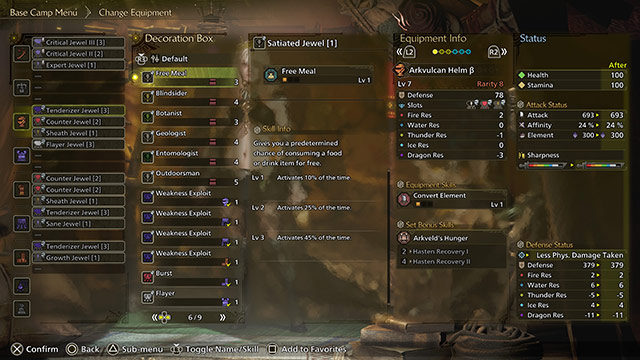
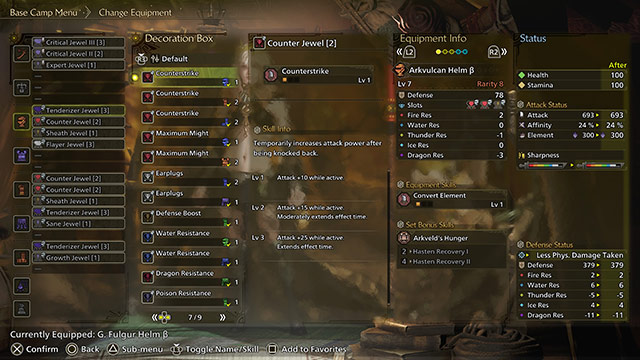
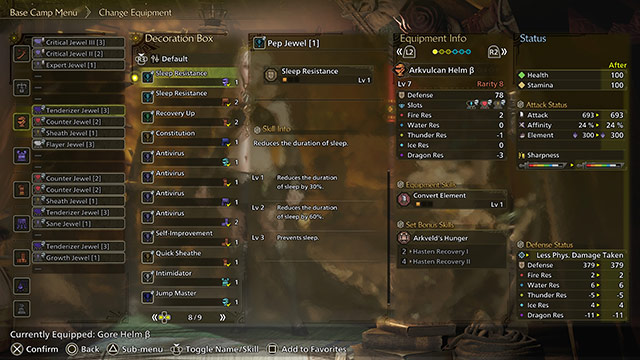
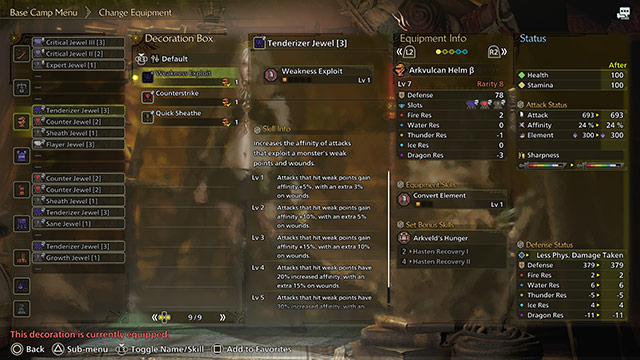
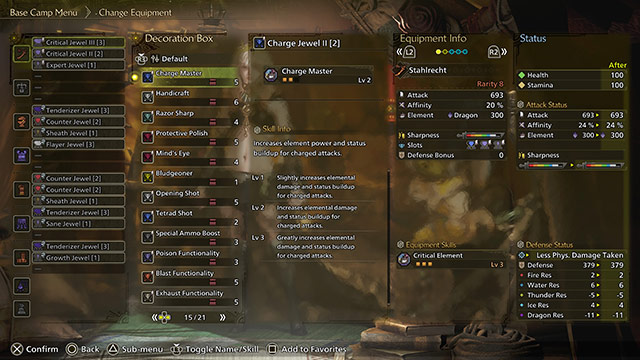
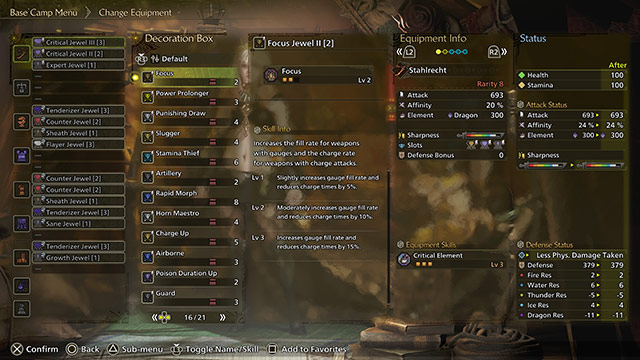
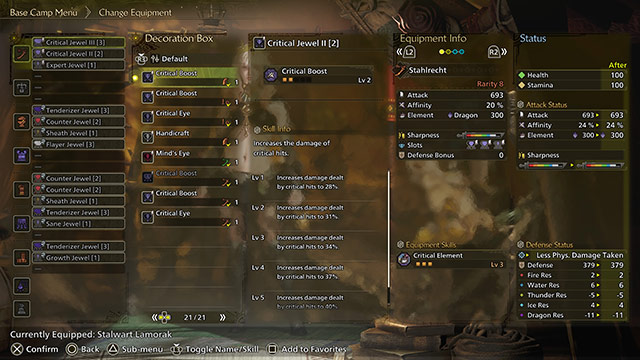
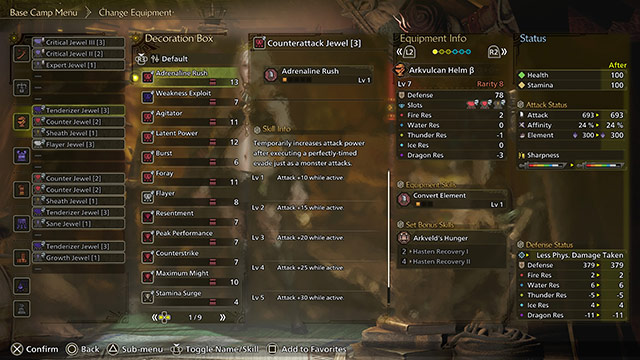
Buy Monster Hunter Wilds endgame save data with max items, all R8/R7 armor sets, rare endemic life, completed quests, full decorations, event rewards, and fully upgraded weapons. Perfect for players seeking the ultimate experience!


How to trade MH Wilds items?

To trade items or transfer save data in Monster Hunter Wilds, follow the steps below carefully:

  • Provide your game account details: You will need to share your game account username and password with the service provider.
  • Log in to your game: The service provider will log in to your game account using the provided credentials.
  • Replace local save data: The existing local save data in your account will be replaced with the new save data, which includes the traded items or exhausted inventory.
  • Verify changes: Once the save data is updated, log back into your account to confirm that the new items, materials, or exhausted stats have been successfully added.


Endgame Save Date Overview