



 0
0GGWTB Editorial Team - AISLING
Created: May 18,2026 | Subnautica 2

GGWTB Editorial Team - AISLING
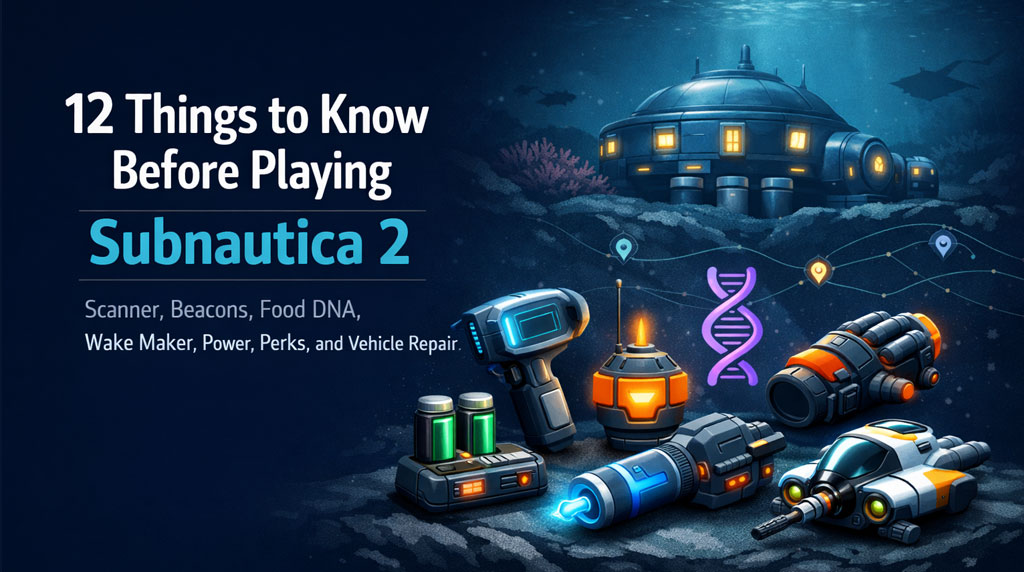
Subnautica 2 punishes sloppy early play. No map. Limited oxygen. Weird food rules. Slow swimming. Fragile vehicles. If you rush blindly, you waste hours. Follow this order and the early game becomes much cleaner.
| Order | Priority | Why It Matters |
|---|---|---|
| 1 | Build Scanner | Unlocks blueprints and progression |
| 2 | Place Beacons | Replaces the missing map |
| 3 | Get Food Digestion DNA | Lets you eat local food safely |
| 4 | Build Wake Maker | Faster swimming, safer oxygen runs |
| 5 | Upgrade Endurance | More inventory space |
| 6 | Build Sonic Resonator | Harvests large deposits, clears roots |
| 7 | Fix Base Power | Stops night blackouts |
| 8 | Scan Power Storage | Stores solar power for night |
| 9 | Build Processor | Refines materials, unlocks recipes |
| 10 | Build Biolab | Unlocks active and passive perks |
| 11 | Recharge Batteries / Power Cells | Saves resources |
| 12 | Get Vehicle Repair Tool | Prevents vehicle loss |
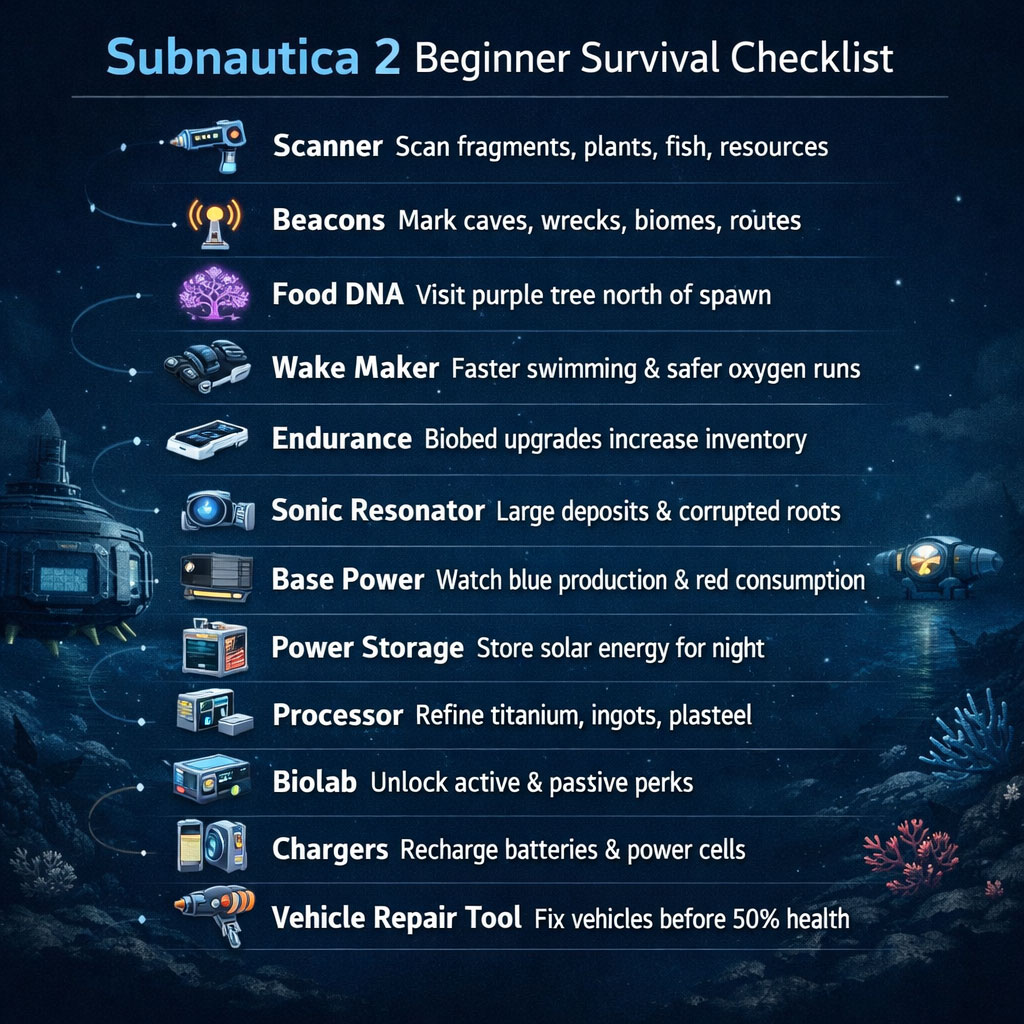
Your first real tool should be the Scanner.
Do not wait. The Scanner unlocks:
If it glows, moves, grows, or looks suspicious, scan it.
Scanning is progression. Skip it and you lock yourself out of gear, perks, and recipes.
| Scan Priority | Reason |
|---|---|
| Blueprint fragments | Unlocks tools and modules |
| Research facility objects | Often tied to progression |
| Plants | Feeds Biolab data |
| Fish / creatures | Unlocks biological perks |
| Resource nodes | Helps plan farming routes |
Subnautica 2 has no traditional map. Beacons are your map.
They are built with the base building tool, not the Fabricator.
Mark anything you may revisit:
If you think, I'll remember this, you probably won't.
| Beacon Name | Use |
|---|---|
| Silver Cave | Early silver farming |
| Wake Frag | Wake Maker fragment site |
| Heat Entry | Thermal danger zone |
| Lead Wreck | Lead and repair tool area |
| Bio Upgrade | Endurance facility |
| Safe East Route | Repeat travel path |
Early cooked food can damage you. Fix this before long trips.
Go north of the starting area and find the giant purple tree. Interact with it to unlock Food Digestion DNA.
Without this upgrade:
If cooked fish damages you, stop exploring and get this DNA upgrade first.
The Wake Maker is your early movement upgrade. It makes swimming much faster.
That means:
You need 3 fragments.
| Fragment | Approx. Location | Marker Detail |
|---|---|---|
| 1 | 95 m from Lifepod, Lifepod southeast | Look straight down |
| 2 | 120 m from Lifepod, Lifepod southeast | Coral structure, cave entrance, scrap metal above |
| 3 | 216 m from Lifepod, Lifepod southwest | Crates on seafloor |
For Fragment 2, swim to the cave bottom and check containers.
Before Wake Maker, oxygen controls your route. After Wake Maker, you control the route.
Endurance upgrades increase inventory capacity.
This is huge. More space means fewer resource runs.
You usually find upgrades inside powered research facilities. Look for a hatch door, enter, then interact with the Biobed.
| Location | Approx. Position | Notes |
|---|---|---|
| Coral dome facility | North of spawn, slightly east of purple tree | Cave near silver-rich coral dome |
| Cliffside facility | 288 m from Lifepod, Lifepod northeast | Built into cliff wall |
| Thermal wreck facility | 580 m from Lifepod, Lifepod west | Hot zone, spires, thermal vents, Cyclops wreck |
| Rock spire cave | 220 m from Lifepod, Lifepod northwest | Cave inside large rock spire |
If you keep dropping titanium, copper, or quartz, get Endurance upgrades before building bigger bases.
The Sonic Resonator is a progression tool, not just a mining tool.
It lets you:
Heat resistance opens hot regions that otherwise damage you.
You need 3 fragments.
| Fragment | Location | Notes |
|---|---|---|
| 1 | Woo Woo Lang Hai facility | Right side after entering |
| 2 | Woo Woo Lang Hai facility | Corridor near fallen tables |
| 3 | 203 m from Lifepod, Lifepod east | Under coral dome |
Follow the main story to the Woo Woo Lang Hai facility. You can grab two fragments there quickly.
Solar works early. Then night happens.
A small shallow base can survive on Solar Panels. A real base with chargers, lights, and stations needs backup.
| Power Source | Best Use | Weakness |
|---|---|---|
| Solar Panels | Shallow starter base | Weak at night, worse deep |
| Power Storage | Solar backup | Needs blueprint |
| Hydroelectric Power | Current-based base | Needs natural current |
| Thermal Power | Hot zones | Requires thermal setup |
| Meter | Meaning |
|---|---|
| Blue | Power production |
| Red | Power consumption |
If red stays high and blue drops at night, your base is overloaded.
Power Storage stores excess daytime solar power. It keeps your base alive at night.
Build it before running multiple chargers.
| Blueprint | Approx. Location | Notes |
|---|---|---|
| 1 | 280 m from base, facing northeast | Facility wall near entrance |
| 2 | 590 m from base, facing west | Hot region, sulfur, thermal vents, research platform |
For the second location, bring heat protection.
The Processor turns basic resources into advanced materials.
Scan Processor units in research facilities. They are common, but easy to ignore.
| Function | Use |
|---|---|
| Titanium refining | Advanced crafting |
| Titanium ingots | Bigger builds and upgrades |
| Plasteel production | Key progression material |
| Alternate recipes | Craft around resource shortages |
If you have mid-tier materials but recipes are blocked, build the Processor.
The Biolab converts scanning into upgrades.
It uses plant, creature, and resource data to unlock:
| Perk Type | Benefit |
|---|---|
| Movement | Dash or burst speed |
| Survival | Passive water generation |
| Navigation | Trail tracking in caves |
| Environment | Better biome resistance |
Enter a new biome. Scan all new plants. Scan new creatures. Return to the Biolab. Check perk unlocks.
If you only scan tech fragments, you slow down biological progression.
Tools and vehicles use charge. They are not breaking. They are running out of power.
Build:
| Bad Habit | Better Play |
|---|---|
| Crafting new batteries constantly | Recharge empty batteries |
| Throwing away dead cells | Store and refill them |
| Charging on weak solar only | Add Power Storage |
| Leaving vehicle low | Recharge before long trips |
Recharging saves materials and keeps runs smooth.
Once you build a vehicle, scan the Vehicle Repair Tool.
Vehicles take chip damage from creatures, terrain, and bad driving. If health hits zero, the vehicle is gone.
| Fragment | Approx. Location | Marker Detail |
|---|---|---|
| 1 | 278 m from Lifepod, Lifepod north | Broken Secarda ship piece, tool on ground |
| 2 | 218 m from Lifepod, Lifepod northwest | Rock spire facility, tool on table |
| 3 | 358 m from Lifepod, Lifepod southwest | Broken ship with lower moonpool-like entrance |
The 358 m southwest wreck is also a strong early lead farming spot. Check around and under the wreck.
If your vehicle drops below 50% health, repair it before exploring deeper.
Follow this route for the cleanest start.
| Step | Goal | Result |
|---|---|---|
| 1 | Build Scanner | Unlock tech |
| 2 | Place Beacons | Stop getting lost |
| 3 | Get Food DNA | Eat safely |
| 4 | Build Wake Maker | Move faster |
| 5 | Upgrade Endurance | Carry more |
| 6 | Build Sonic Resonator | Mine large nodes, unlock DNA paths |
| 7 | Stabilize Base Power | Avoid blackouts |
| 8 | Build Processor | Craft advanced materials |
| 9 | Build Biolab | Unlock perks |
| 10 | Build chargers | Reuse batteries |
| 11 | Get Vehicle Repair Tool | Keep vehicles alive |
| Mistake | Why It Hurts | Fix |
|---|---|---|
| Not scanning lifeforms | Slows Biolab perks | Scan every new plant and creature |
| Skipping beacons | You get lost | Mark every useful location |
| Only using solar | Base dies at night | Add Power Storage |
| Delaying Wake Maker | Slow travel, risky oxygen | Rush 3 fragments |
| Ignoring Endurance | Constant full inventory | Find Biobeds |
| Recrafting batteries | Wastes materials | Build chargers |
| Driving damaged vehicles | Risk total vehicle loss | Use Repair Tool |
Build the Scanner first. It unlocks blueprints, tools, base modules, resources, creature data, and Biolab progress.
You need Food Digestion DNA. Find the giant purple tree north of spawn and interact with it before relying on cooked local food.
Wake Maker fragments are near the Lifepod: about 95 m southeast, 120 m southeast near a cave, and 216 m southwest near seafloor crates.
Get Endurance upgrades from Biobeds inside research facilities. Known locations include the coral dome, cliffside facility, thermal wreck, and rock spire cave.
Only for a small shallow starter base. Add Power Storage quickly, then move to hydroelectric or thermal power as your base grows.
The best Subnautica 2 start is not random exploration. It is a setup route.
Build the Scanner. Place Beacons. Get Food Digestion DNA. Rush the Wake Maker. Upgrade Endurance. Build the Sonic Resonator. Stabilize base power with Power Storage. Then add the Processor, Biolab, chargers, and Vehicle Repair Tool.
That order fixes the biggest early problems: getting lost, starving, swimming slowly, running out of inventory, losing power, wasting batteries, and destroying vehicles.
The GGWTB Editorial Team features 10 full-time gaming editors and 23 specialist contributors, delivering hands-on tested walkthroughs, easter egg breakdowns, and game updates.
Aisling — who spearheads our in-depth Monopoly Go, ARK Survival Ascended, Forza Horizon 6, Subnautica 2, Diablo IV guides, and patch notes—every guide is rigorously verified on live servers for accuracy.
Rank every major Subnautica 2 biome for base building with practical scores for safety, resources, accessibility, and long-term value. Find the best starter base, mid-game hub, late-game outpost, and zones to avoid.
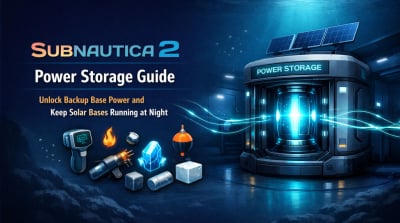
Unlock Power Storage in Subnautica 2 with exact fragment locations, required gear, crafting materials, and usage tips. Keep your solar-powered base running at night with reliable reserve energy.
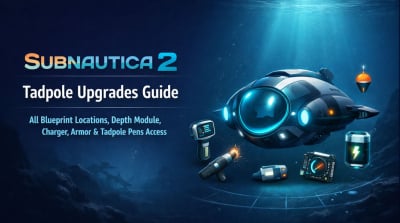
Complete Subnautica 2 Tadpole upgrades guide with all Early Access blueprint locations, including Engine Efficiency, Hull Depth Module Mk1, Strike Armor, Photovoltaic Charger, Cavitation Muffler, hull parts, and Tadpole Pens access.
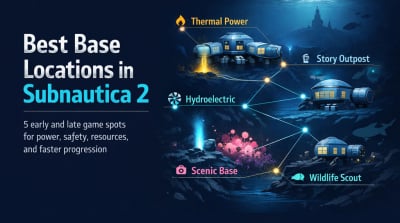
Find the best base locations in Subnautica 2 for early and late game. Compare thermal vents, hydroelectric currents, alien-route outposts, scenic coral fields, and safe wildlife observation bases.
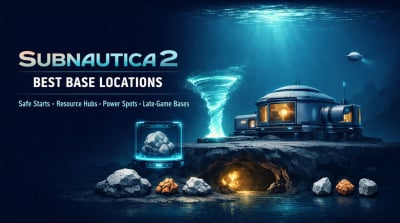
Best Subnautica 2 base locations for early, mid, and late game. Find safe building spots, resource-rich caves, hydro and thermal power, scanner coverage, and the strongest late-game base route.
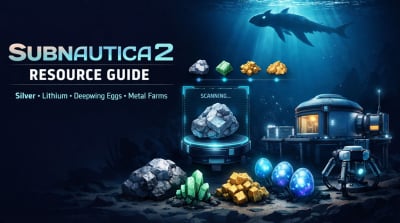
Find every key Subnautica 2 resource fast: silver, lithium, gold, sulfur, salt, Deepwing eggs, bacterium, celestine, trolleyite, creature enamel, and metal farm materials.

We use cookies to ensure website functionality and enhance your experience. Click "Accept All" to consent, or "Customize" to manage your preferences. See our Privacy Policy.


