0
0 Created: May 27,2026 | Star Citizen
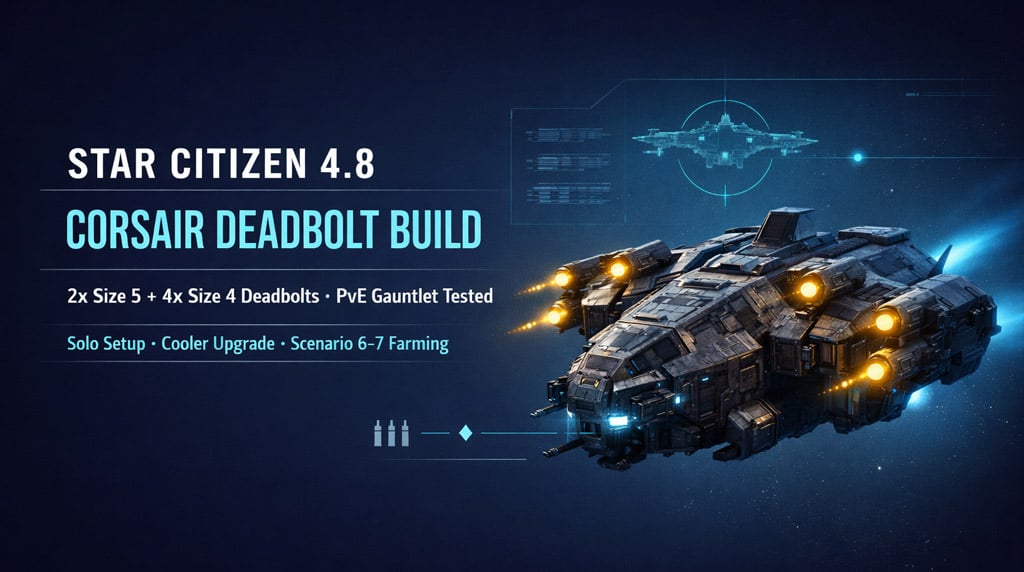
Star Citizen 4.8 Corsair Deadbolt Build Guide: Best PvE Loadout, Upgrades, and Combat Tests

The Corsair is one of the strongest solo PvE ships in Star Citizen 4.8. It has heavy pilot firepower, useful cargo, a Size 3 shield, and enough durability to bully large targets.
The stock loadout already works. The full Deadbolt Corsair build hits harder.
- Best Corsair Deadbolt Build in Star Citizen 4.8
- Corsair Deadbolt vs Stock Loadout
- Why Deadbolts Are Strong on the Corsair
- Corsair Upgrade Priority After the Wipe
- Solo Corsair Setup: Remove or Disable Turrets
- Corsair Flight Blades in 4.8
- Best Missions for the Deadbolt Corsair
- Gilly's Scenario 6 Corsair Test
- Gilly's Scenario 7 Hammerhead Test
- Corsair Combat Tactics: How to Fly the Deadbolt Build
- Fire Mode Guide
- Known Corsair Bugs in Star Citizen 4.8
- Best Corsair Build Path After the Wipe
- Corsair Deadbolt Build Pros and Cons
- FAQ
- Is the Corsair good in Star Citizen 4.8?
- Is the full Deadbolt Corsair build worth it?
- Is the stock Corsair still good?
- What should I upgrade first on the Corsair?
- How do I fix the Corsair wings closed bug?
- Summary
The tradeoff is simple: massive ballistic damage in exchange for rearming downtime.
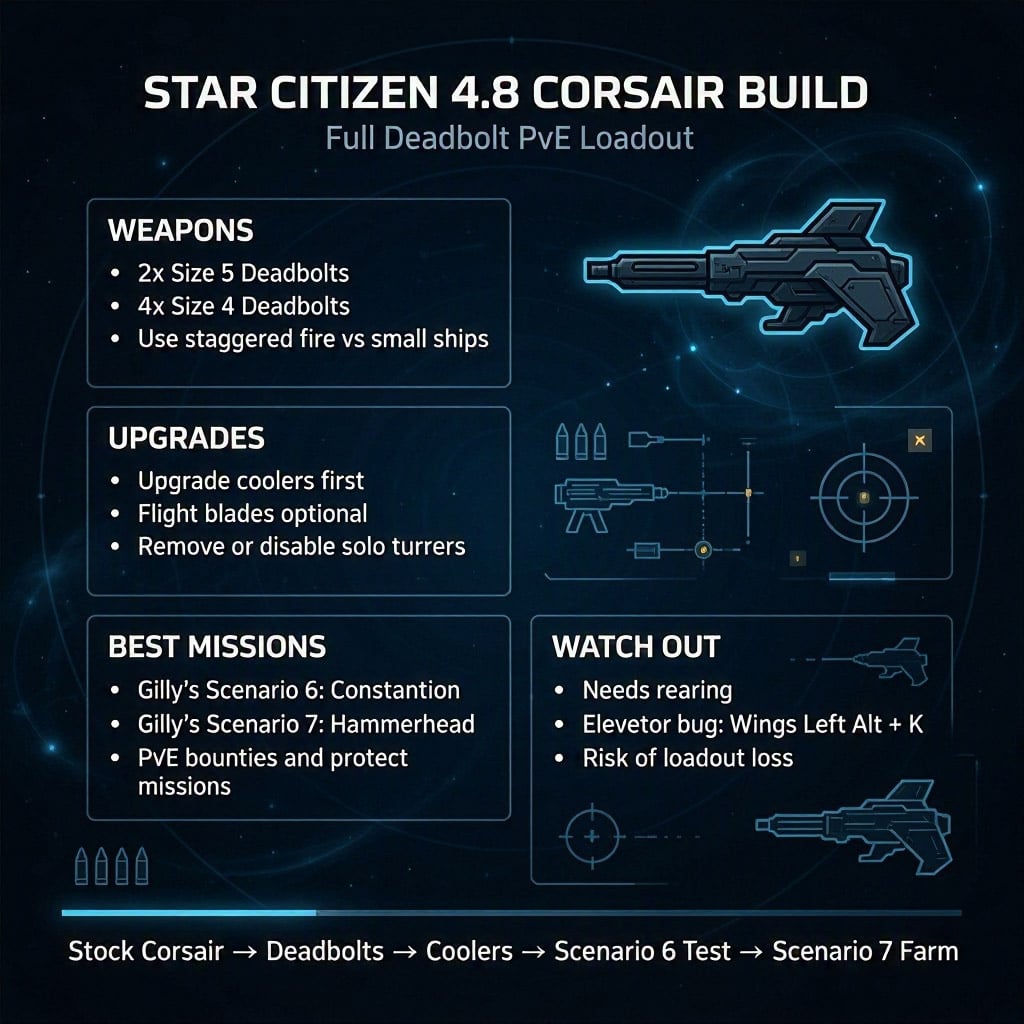
Best Corsair Deadbolt Build in Star Citizen 4.8
Use this build if you want the Corsair to delete PvE targets fast.
| Slot / Area | Recommended Setup | Why It Works |
|---|---|---|
| Main large mounts | 2x Size 5 Deadbolts | Heavy burst damage |
| Main weapon mounts | 4x Size 4 Deadbolts | Strong sustained ballistic pressure |
| Turrets | Remove or disable if solo | Less setup clutter |
| Coolers | Upgrade early | Better stability under load |
| Flight blades | Optional | Small handling improvement |
This setup is built around one idea: front-load as much pilot-controlled damage as possible.
Deadbolts do not drain weapon capacitor. That means easier power management and more room to keep shields, engines, and cooling comfortable.
Corsair Deadbolt vs Stock Loadout
The stock Corsair is not bad. Do not rush upgrades if you are broke after the wipe.
Run stock first. Make money. Then swap to Deadbolts when you can afford ammo, repairs, and replacement risk.
| Build | Pros | Cons | Best For |
|---|---|---|---|
| Stock Corsair | Cheap, reliable, strong enough | Lower burst | Early wipe farming |
| Full Deadbolt | Huge damage, easy power use | Needs rearming | PvE bounties, Gilly's |
| Mixed Loadout | Balanced uptime | Less burst | Long mission chains |
If you hate rearming, stay stock or mixed.
If you want faster kills, go full Deadbolt.
Why Deadbolts Are Strong on the Corsair
The Corsair has the hardpoints to abuse ballistic guns.
Deadbolts shine because they deliver high damage without fighting the weapon capacitor.
| Deadbolt Advantage | Combat Result |
|---|---|
| High ballistic damage | Faster large-target kills |
| No capacitor drain | Easier power management |
| Strong alpha strike | Better burst windows |
| Fits Corsair hardpoints well | Huge pilot DPS |
| Great in PvE | Excellent for Gauntlet and bounties |
The weak point is ammo. Miss too much on small ships and your profit drops.
Use staggered fire or gimbals against agile targets.
Use full firepower on large ships.
Corsair Upgrade Priority After the Wipe
Do not waste money replacing everything at once.
Upgrade what changes combat performance first.
| Priority | Upgrade | Reason |
|---|---|---|
| 1 | Deadbolt weapons | Biggest damage increase |
| 2 | Coolers | Keeps the ship stable |
| 3 | Quantum drive | Cuts travel downtime |
| 4 | Shield | Upgrade when you find a better one |
| 5 | Power plant | Lower priority with Deadbolts |
Because Deadbolts do not use weapon capacitor, the Corsair does not feel as power-starved as energy builds.
Better coolers are the first support upgrade I would make.
Solo Corsair Setup: Remove or Disable Turrets
If you fly solo, turret guns are mostly wasted.
You have two clean options:
| Option | Use It If… |
|---|---|
| Disable turret guns in engineering | You sometimes bring crew |
| Remove turret guns | You always fly solo |
This keeps the ship simpler.
Less clutter. Less pointless power draw. Less menu work.
Corsair Flight Blades in 4.8
Flight blades help a little.
They do not turn the Corsair into a fighter.
| Upgrade | Impact | Verdict |
|---|---|---|
| Flight blades | Slight maneuverability boost | Nice, not mandatory |
| Deadbolts | Major damage boost | Core upgrade |
| Coolers | Better stability | Recommended |
Buy flight blades if you have spare cash. Do not buy them before guns.
Best Missions for the Deadbolt Corsair
The Deadbolt Corsair is best when targets are large enough to absorb full volleys.
| Mission Type | Performance | Notes |
|---|---|---|
| Gilly's Scenario 6 | Excellent | Fast Constellation kill |
| Gilly's Scenario 7 | Strong | Hammerhead test, bug-dependent |
| PvE bounties | Excellent | Great large-target damage |
| Protect missions | Strong | Deletes attackers quickly |
| Small fighter swarms | Good | Use gimbals/staggered fire |
| Long chains | Mixed | Rearm planning required |
The build feels best when every shot lands into a big hull.
It feels worse when you waste ammo chasing tiny fighters.
Gilly's Scenario 6 Corsair Test
Scenario 6 is the clean benchmark.
You face:
- Small fighters
- Constellation Andromeda
Kill order:
1. Delete the small ships first.
2. Stay away from the Connie's nose.
3. Burn down the Constellation with full Deadbolt fire.
| Target | Priority | Reason |
|---|---|---|
| Small fighters | 1 | Stop chip damage |
| Connie front guns | Avoid | High burst threat |
| Connie hull / weak area | 2 | Large target, easy Deadbolt value |
The Corsair wins this comfortably when flown cleanly.
Do not park in front of the Constellation and trade shots like a brick with confidence issues.
Gilly's Scenario 7 Hammerhead Test
Scenario 7 is where the Deadbolt Corsair shows its teeth.
The Hammerhead is dangerous on paper. In 4.8, AI behavior can be inconsistent, so some runs are easier than they should be.
Still, the build has enough damage to kill it fast.
| Test Detail | Result |
|---|---|
| Target | Hammerhead |
| Mission | Gilly's Gauntlet Scenario 7 |
| Build | Full Deadbolt Corsair |
| Main risk | Losing guns or engines |
| Damage output | Very high |
| Reliability | Depends on AI/server behavior |
If the Hammerhead fights properly, control your angle.
If it bugs out and barely returns fire, take the payout and move on. 4.8 is 4.8.
Corsair Combat Tactics: How to Fly the Deadbolt Build
The Corsair is heavy. Respect that.
You win by controlling approach angles, not by dogfighting like a Gladius.
| Rule | Do This |
|---|---|
| Small ships first | Remove pressure early |
| No lazy head-ons | Protect guns and engines |
| Use staggered fire | Better vs agile targets |
| Use full fire | Best vs large targets |
| Rearm early | Avoid dead mission chains |
| Manage distance | Keep targets in your kill zone |
Fire Mode Guide
| Mode | Best Target | Why |
|---|---|---|
| Gimbaled fire | Arrows, Gladius, light fighters | Easier tracking |
| Staggered fire | Small agile ships | Saves ammo |
| Full alpha fire | Connie, Hammerhead, big hulls | Maximum burst |
If you miss with Deadbolts, you are burning money.
Aim clean. Fire less. Hit more.
Known Corsair Bugs in Star Citizen 4.8
The ship is strong. The patch is messy.
| Bug / Issue | What Happens | Fix / Workaround |
|---|---|---|
| Elevator bug | Elevator may refuse to move correctly | Store/reclaim or retry interaction |
| Wings closed after login | Wings look closed but guns still fire | Press Left Alt + K |
| Passive AI | Enemies may not fight back | Swap server or farm it |
| Loadout loss | Custom parts may vanish after reclaim | Test cheap parts first |
| Stock-only reclaim | Ship may return without upgrades | Avoid risking rare gear |
Do not put your rarest components on a ship until you trust reclaim behavior.
That bug hurts more than any Hammerhead.
Best Corsair Build Path After the Wipe
Use this order if you are rebuilding in 4.8.
| Step | Action | Result |
|---|---|---|
| 1 | Fly stock Corsair | Earn safely |
| 2 | Install Deadbolts | Big DPS spike |
| 3 | Upgrade coolers | Better stability |
| 4 | Remove / disable turrets | Cleaner solo setup |
| 5 | Add flight blades | Slight handling gain |
| 6 | Test Scenario 6 | Check performance |
| 7 | Farm Scenario 7 / bounties | Push profit |
This path avoids wasting money early.
Stock earns. Deadbolts accelerate. Coolers smooth the build.
Corsair Deadbolt Build Pros and Cons
| Pros | Cons |
|---|---|
| Huge pilot damage | Needs rearming |
| Great vs large PvE ships | Ammo waste hurts profit |
| Easy power management | Still flies heavy |
| Strong for Gilly's and bounties | Bugs can eat loadouts |
| Good daily-driver utility | Not ideal for endless fighter swarms |
The Corsair is not elegant.
It is a heavy utility ship with angry guns and enough cargo space to make bad decisions profitable.
FAQ
Is the Corsair good in Star Citizen 4.8?
Yes. The Corsair is one of the best solo PvE ships in 4.8. It has heavy pilot firepower, cargo utility, a Size 3 shield, and strong performance in Gilly's Gauntlet and bounty missions.
Is the full Deadbolt Corsair build worth it?
Yes, if you run PvE combat and do not mind rearming. The 2x Size 5 + 4x Size 4 Deadbolt setup gives massive burst damage and deletes large targets fast.
Is the stock Corsair still good?
Yes. The stock Corsair is strong enough for early wipe farming. Use stock if you are low on aUEC, then upgrade to Deadbolts once you can afford ammo and replacement risk.
What should I upgrade first on the Corsair?
Upgrade Deadbolt weapons first, then coolers. After that, consider a better quantum drive, then shields or power plant if your setup needs it.
How do I fix the Corsair wings closed bug?
Press Left Alt + K to cycle the wings. This usually fixes the bug where the wings appear closed after logging in but the ship can still fire.
Summary
The best Corsair build in Star Citizen 4.8 is the full Deadbolt PvE setup:
2x Size 5 Deadbolts + 4x Size 4 Deadbolts, upgraded coolers, optional flight blades, and turret weapons removed or disabled for solo play.
Use stock Corsair first if money is tight. Swap to Deadbolts when you want faster kills.
Farm Gilly's Scenario 6, push into Scenario 7, and run PvE bounties where large targets let the guns shine.
Fly it like a heavy ship. Kill small ships first. Avoid bad head-ons. Use staggered fire when needed. Rearm before long chains.
In 4.8, the Corsair is not just viable. It is one of the safest, hardest-hitting solo PvE ships we can build.

Most Popular Posts
- Star Citizen 4.9 Mining Guide: Best Laser Buffs, Crafted Heads, Scanning, Materials and Nyx Missions
- Star Citizen 4.9 Ship Buying Guide: What to Buy, Skip, and Prioritize
- Star Citizen 4.9 Salvage Guide: Easy AUEC from Battaglia Ship in Distress + Golem Module Fix
- Star Citizen 4.9 Battaglia Contracts, Persistence Fixes, Best Loot, Scanning Changes, and Ship Rewards
- Star Citizen Alpha 4.9 Guide: Best Features, Mining Scan Upgrade, Weapon Nerfs
- Star Citizen 4.9 Hull C Cargo Hauling Guide: Make Millions aUEC Without Autoload
Popular Category Lists
- ARC Raiders / (342)
- Grow a Garden / (292)
- CoD: Black Ops 7 / (167)
- Star Citizen / (160)
- MLB 26 / (159)
- Monopoly Go / (152)
- ARK Survival Ascended / (125)
- Steal a Brainrot / (98)
- Blox Fruits / (74)
- Adopt Me / (73)
- Forza Horizon 6 / (72)
- Sailor Piece / (68)
- Grow a Garden 2 / (68)
- Diablo IV / (62)
- CoD: BLACK OPS 6 / (55)
- Path of Exile 2 / (48)
- Monster Hunter Wilds / (46)
- Aion 2 / (45)
- Windrose / (44)
- Donut SMP / (41)